20 templates · Free · No signup
Free Email Template Builder
Open a ready-made email template, change everything about it, and export the result. Or assemble a template of your own from blocks and keep it to reuse on the next send.
Twenty templates, ready to edit
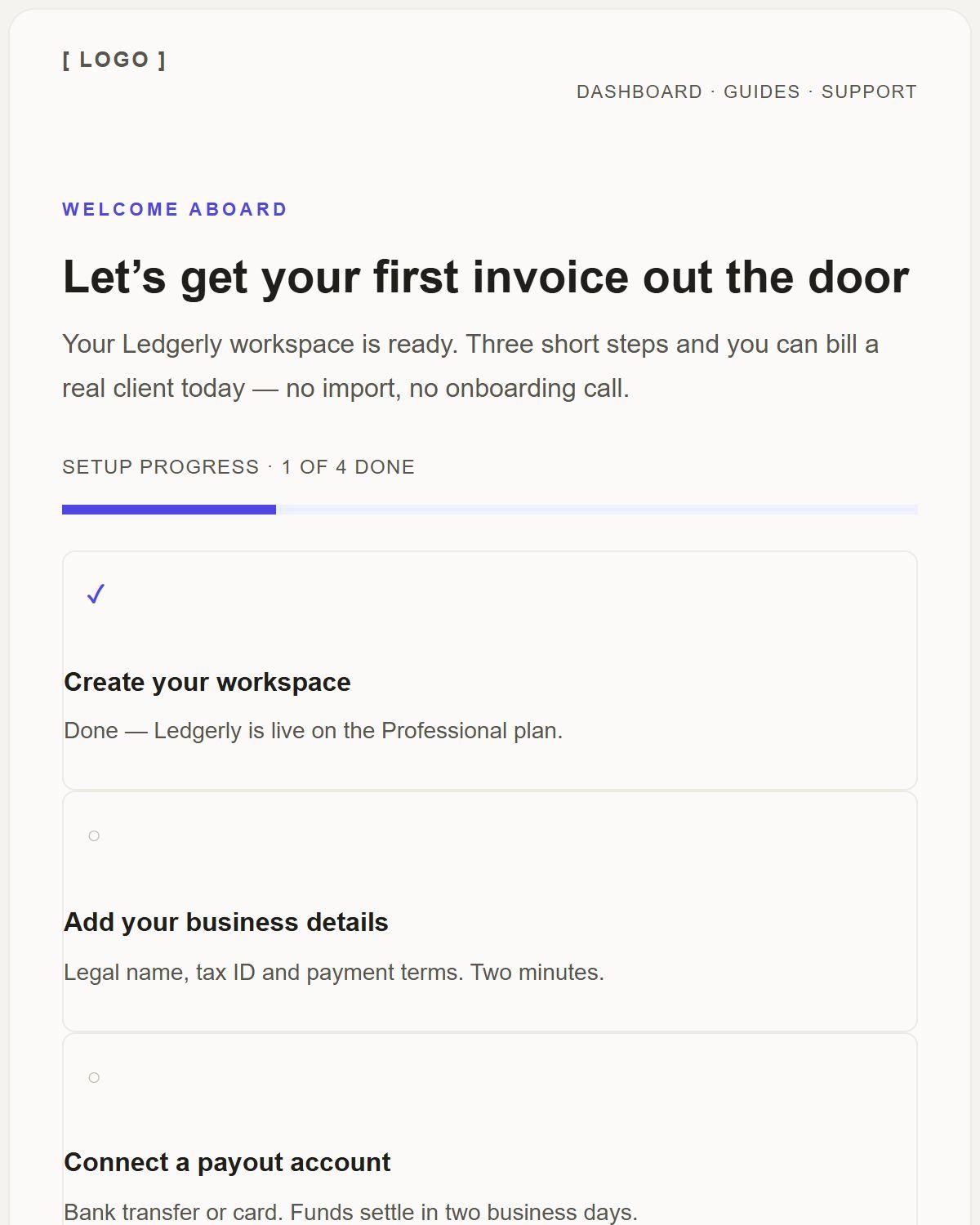
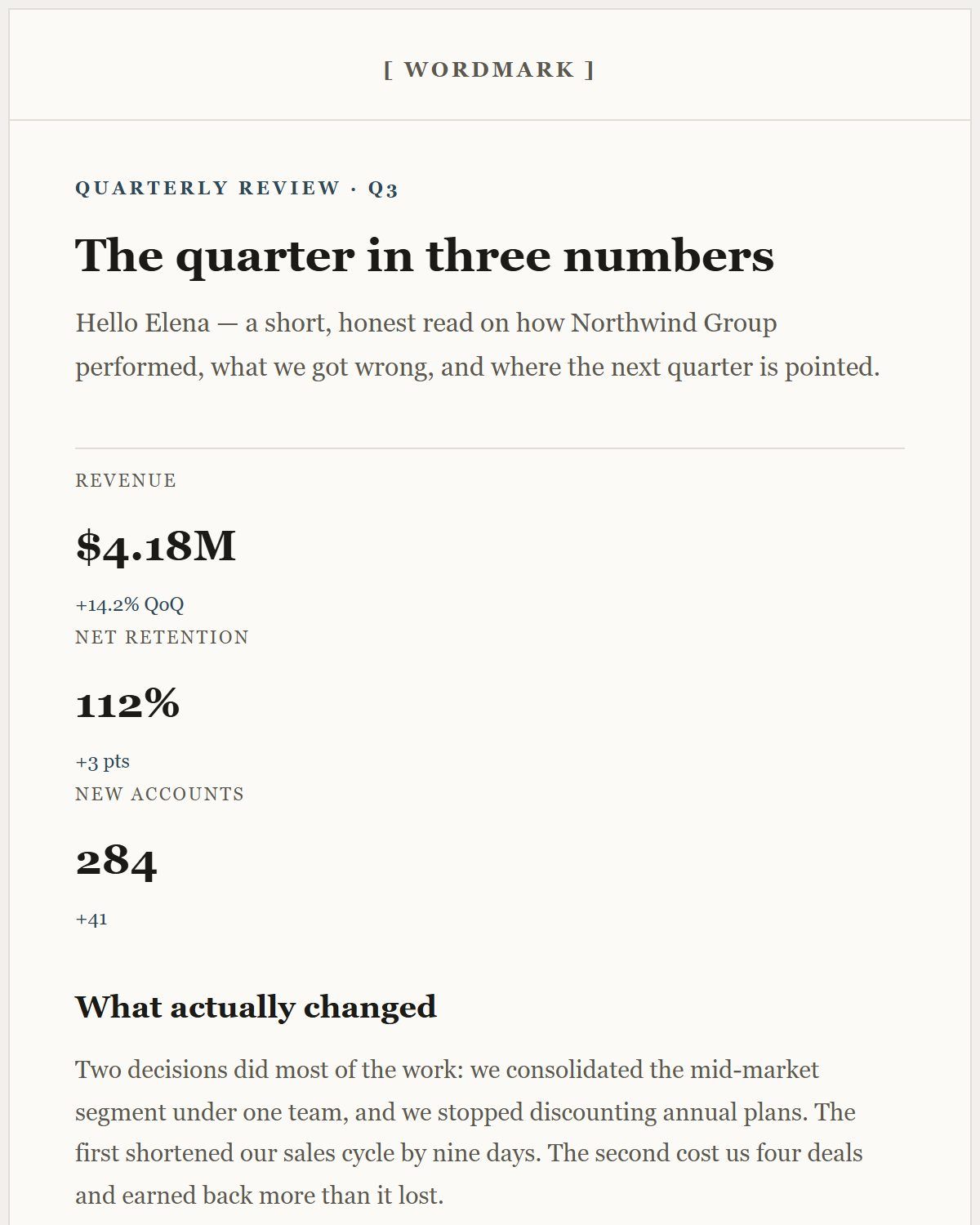
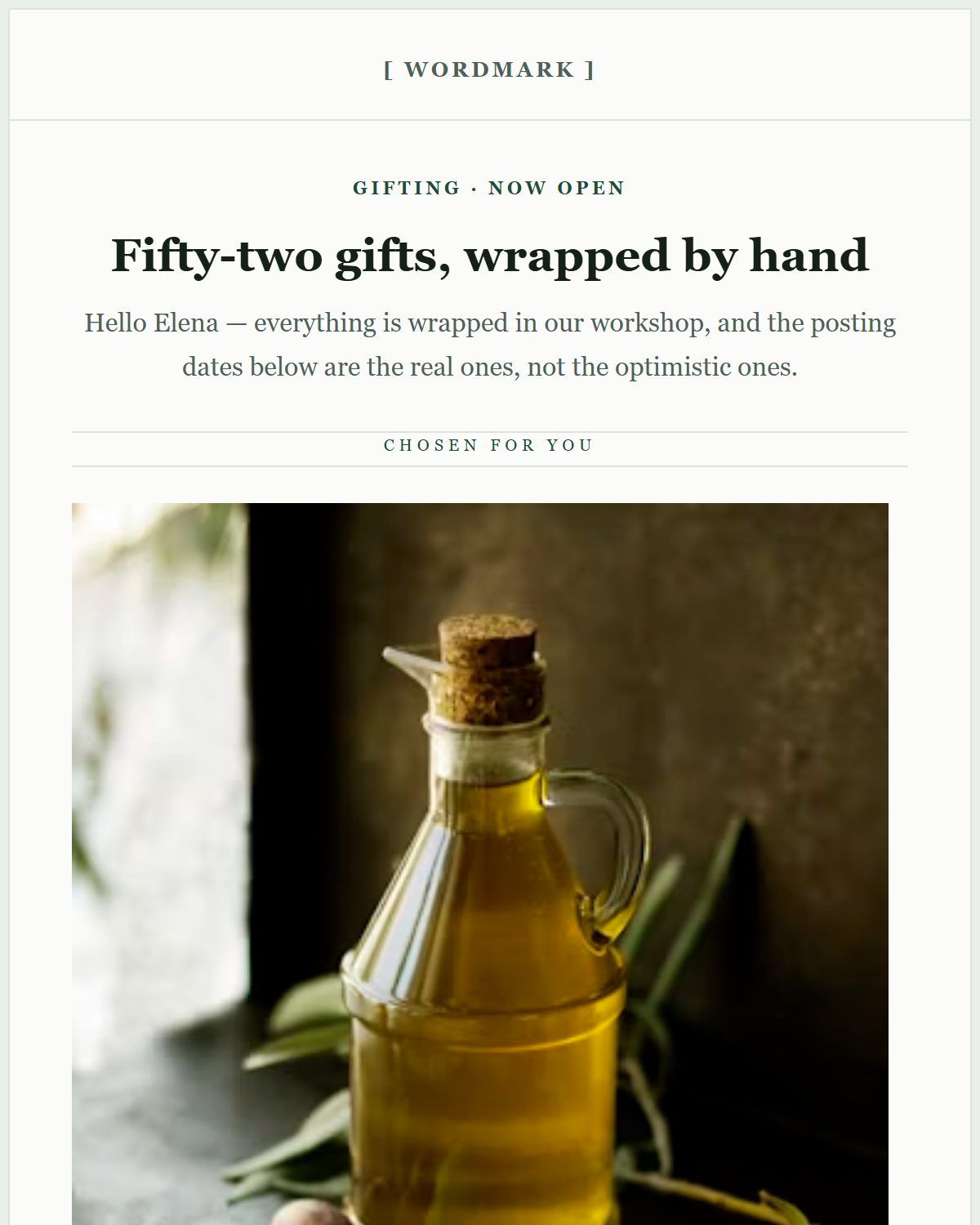
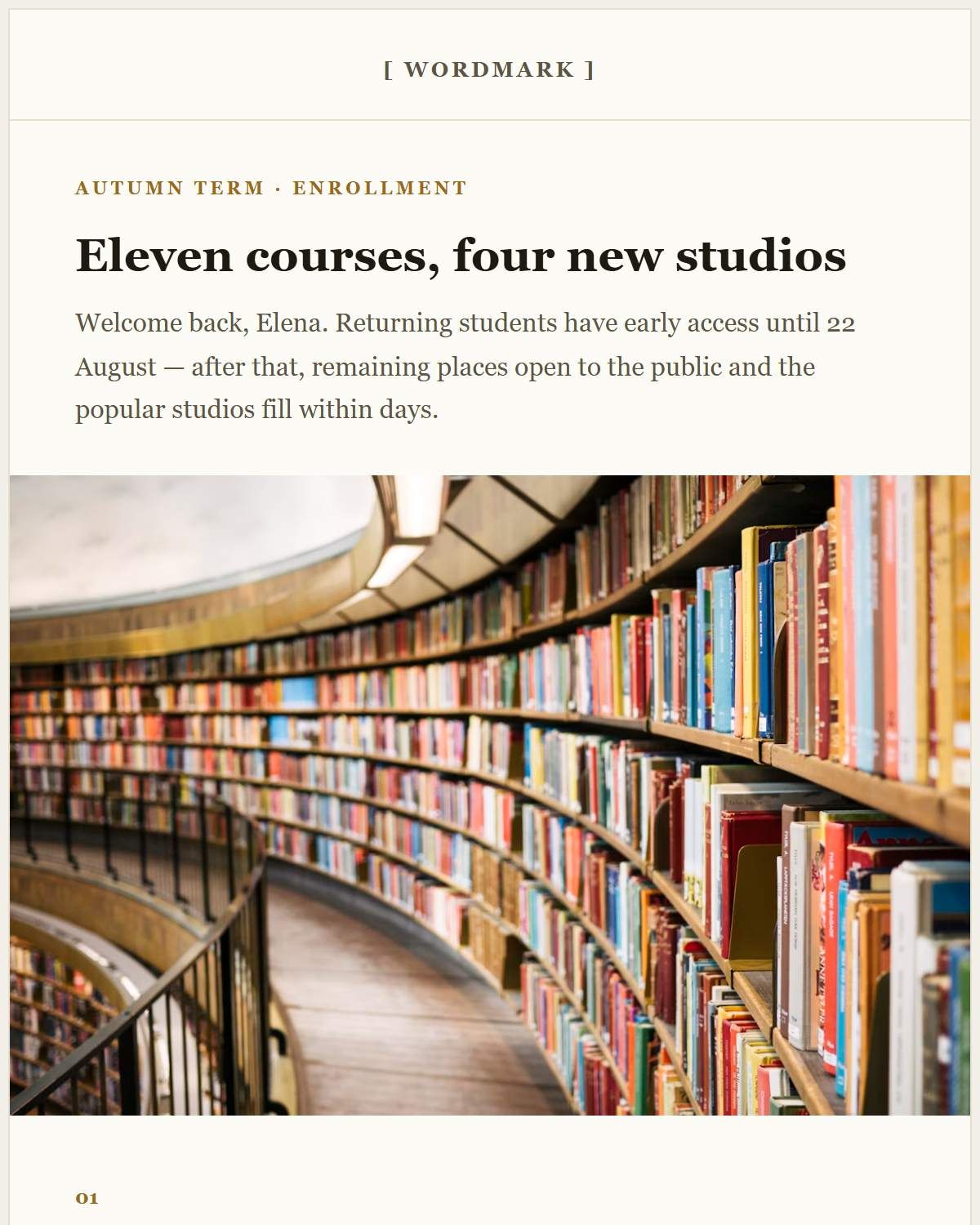
The templates that ship with the editor are complete emails, not skeleton layouts: a quarterly business letter, a SaaS welcome, a campaign report, an appointment reminder, an itinerary confirmation, a seasonal promotion. Each one arrives on the canvas as an ordinary document — every heading, colour, image and button is yours to change.
Each template has its own page with a full-height preview and a description of what it is for, so you can decide before you open anything.
Build a template of your own, and keep it
A template is only useful the second time you send. Two things make that work here: the design can be copied or downloaded as JSON, which reopens in the editor exactly as you left it, and the components library keeps sections you build — a masthead, a signature footer — in your browser for reuse.
Both live on your machine. There is no shared workspace to invite people to, and equally no account to lose access to.
Change the design, not just the words
Filling in placeholder text is the easy half. The inspector goes further: typography and font size, text and background colours, padding and alignment per block, button shape and label, image width and link target, and how a columns block behaves when it reaches a phone.
That is the difference between a template gallery and a template builder — you are not stuck with the decisions the template made.
No signup, no paywalled templates
All twenty templates are available on the first click, and so is export. There is no account, no trial window and no "upgrade to download" step at the end, because there is no paid tier to upsell.
A few of the templates
Real previews of the rendered email, each with its own page and a one-click open in the editor.
Questions people ask about this
How many email templates are included?
Twenty, each with a rendered preview and its own page. They are bundled with the editor, so they load without a download or an account.
Can I save a template I built myself?
Yes. Copy or download the design as JSON to reopen it later, and save reusable sections into the components library, which is stored in your browser.
Can I use these templates for commercial email?
Yes. Edit them, export the HTML and send it. Replace the placeholder photography with your own images before a real send.