WYSIWYG · Online · Free
HTML Email Editor, Online and Free
Edit the email where you can see it, then look at the code when you want to. The canvas, the mobile preview and the HTML output are all one click apart, in the browser, with nothing to install.
Edit visually, then read the code
The editor has two modes over the same document. Edit mode gives you the canvas: click a block to select it, and its settings appear in the inspector beside it. Preview mode drops the editing chrome so you see the email as it will arrive, at desktop or phone width.
From there the output tabs show what is actually being produced — the HTML, and the JSON that describes the document. It is a WYSIWYG editor that does not hide the markup from you, which matters when someone else has to send or debug it.
What you can put on the canvas
The palette is short on purpose. It covers the blocks email actually needs, and nothing that would render unpredictably in an inbox.
- Rich text, with headings, bold and italic, lists, alignment, text and background colour, links, emoji and merge tags.
- Images, with their own link target and width.
- Buttons, with their own shape, colour and label.
- Containers and multi-column rows, to put things side by side.
- Dividers and spacers, for the rhythm between sections.
- A social media row for the footer.
Built to be edited quickly
Undo and redo cover the whole document history, so trying a layout costs nothing. A command palette reaches the actions without hunting through menus, and switching between the desktop and phone view is a single toggle rather than a resize.
Because the document lives in your browser, none of this waits on a network round trip.
Nothing to install, no account to make
It is a web page. Open it and the editor is there — no desktop app, no extension, no signup form between you and the canvas. Your work stays in the browser, and the export is a copy away.
Open a real document to poke at
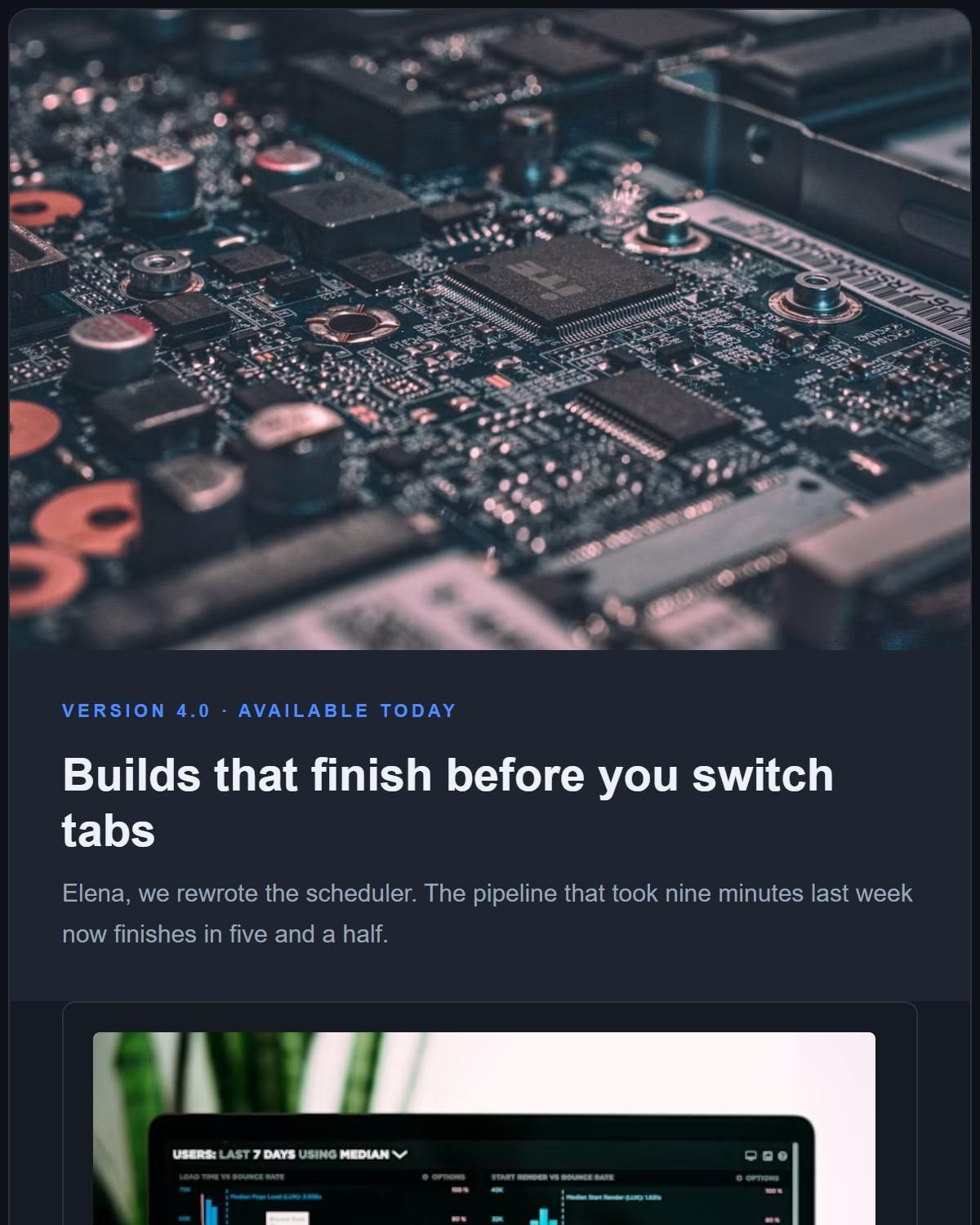
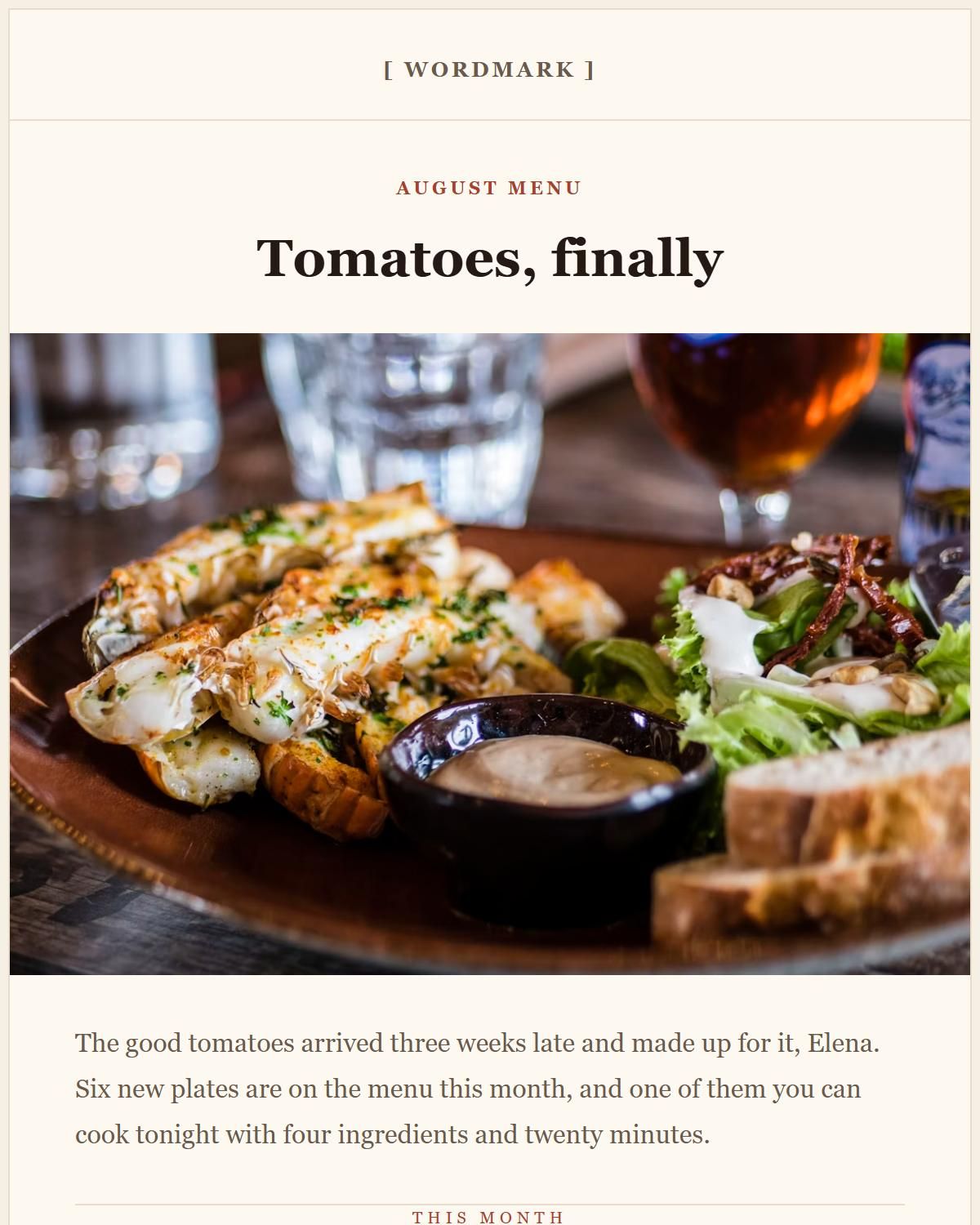
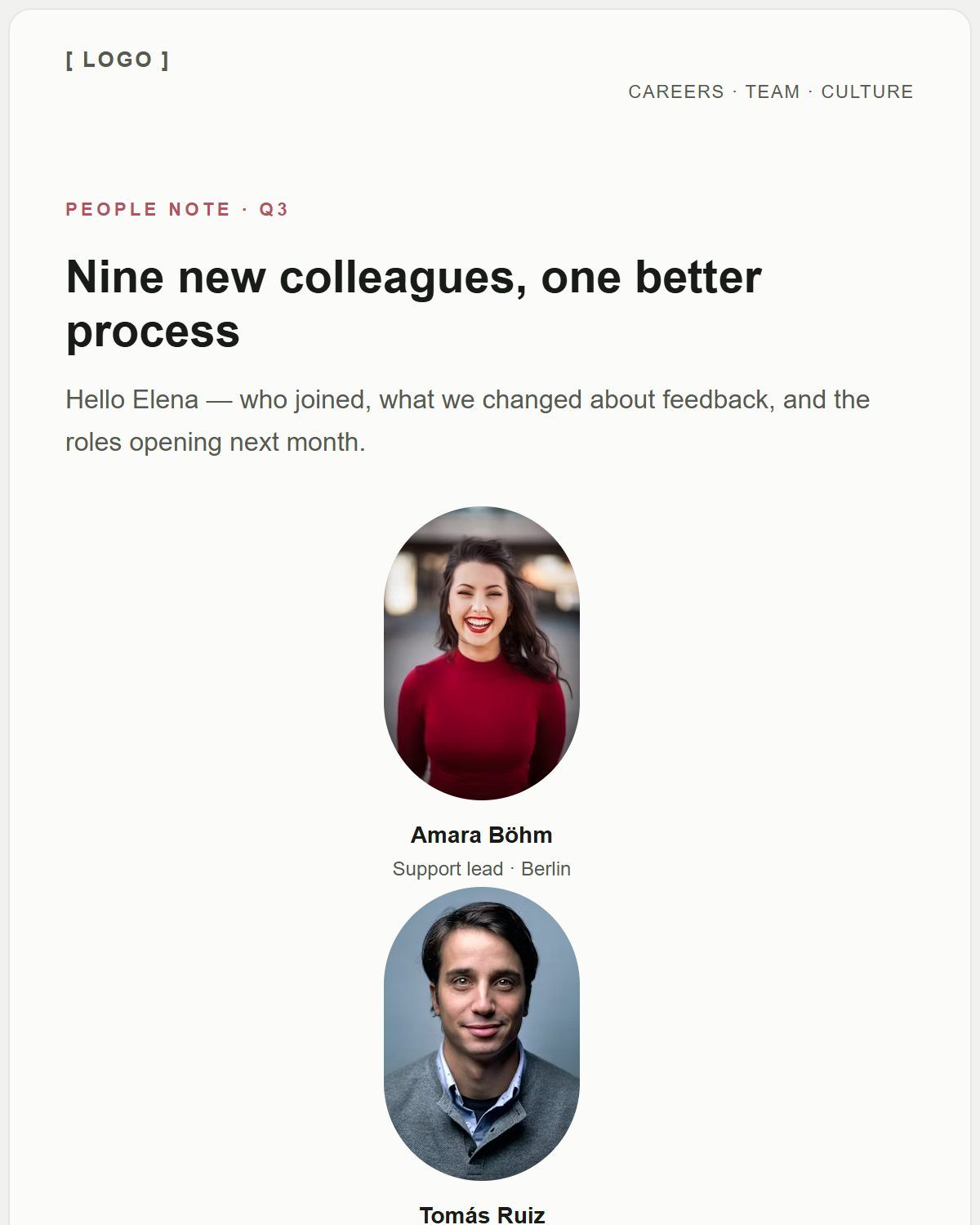
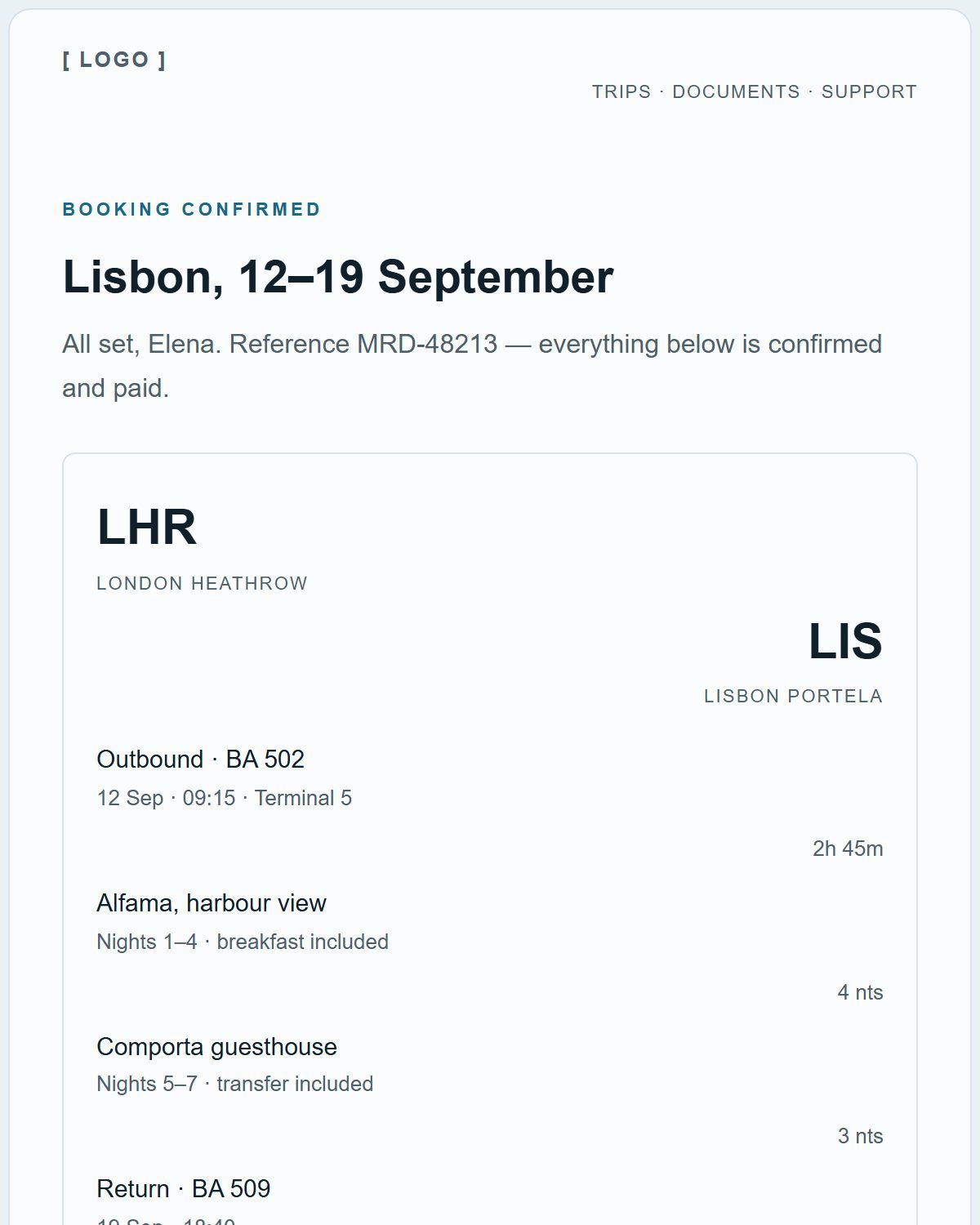
The fastest way to see how the editor behaves is to load a finished email and start changing it.
Questions people ask about this
Is this a WYSIWYG email editor?
Yes. You edit on a canvas that shows the email as it will look, with a separate preview mode and desktop or phone widths.
Can I paste existing HTML into it?
No. The editor works with its own blocks, so there is no raw-HTML block and no import that turns an existing HTML email back into editable blocks. Text you paste into a text block keeps its basic formatting, and merge tags come through as text.
Do I need to install anything?
No. It runs in a modern browser on a laptop or desktop. The editor needs a window of at least 960px, because the palette, canvas and inspector sit side by side.