Free Email Builder
Design responsive emails with drag & drop and export production-ready HTML. It all runs in your browser — nothing is uploaded.
A free drag-and-drop email builder.
Drag-and-drop blocks
Snap together headings, images, buttons and columns in your browser. Rearrange anything. Write zero code.
Clean HTML export
Copy out production-ready, table-based markup and paste it into whichever platform sends your email.
Email-client-safe markup
Table-based layouts with inline styles — the approach mainstream clients like Gmail, Outlook and Apple Mail render most predictably.
Responsive by default
Columns stack on narrow screens and images scale down, with no media queries to hand-maintain.
No account needed
Open the page and build. Your work lives in your browser, not behind a login.
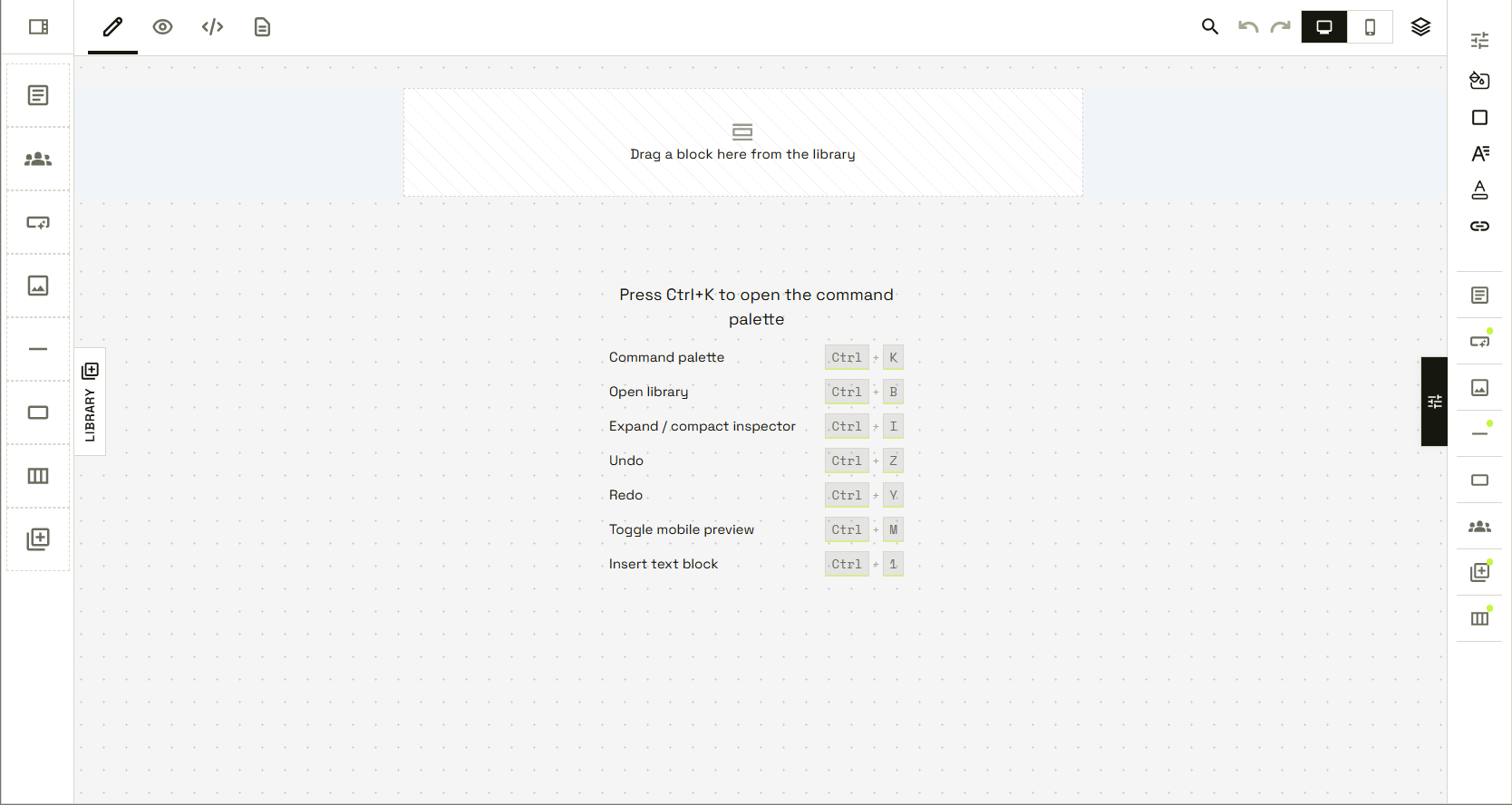
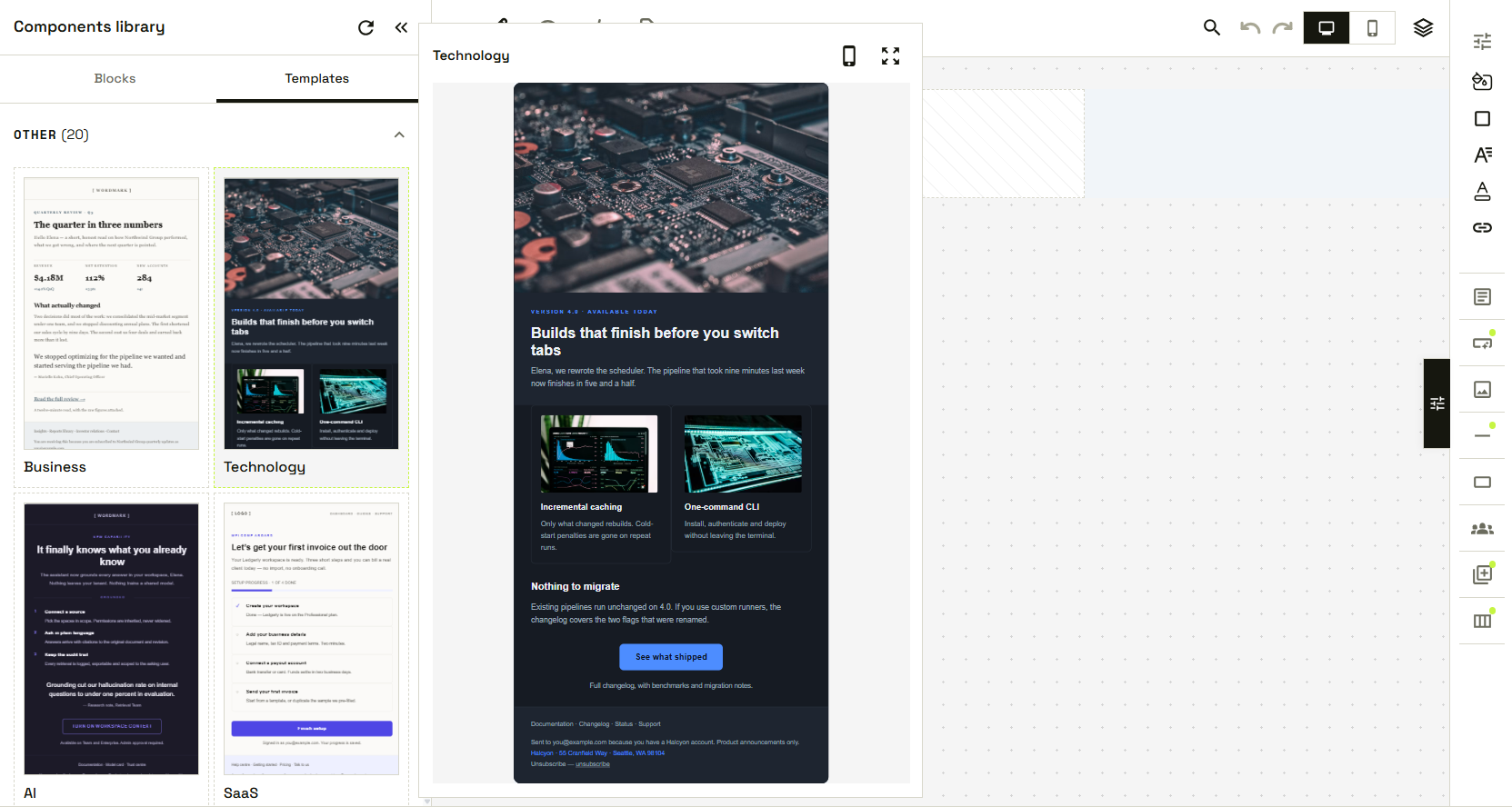
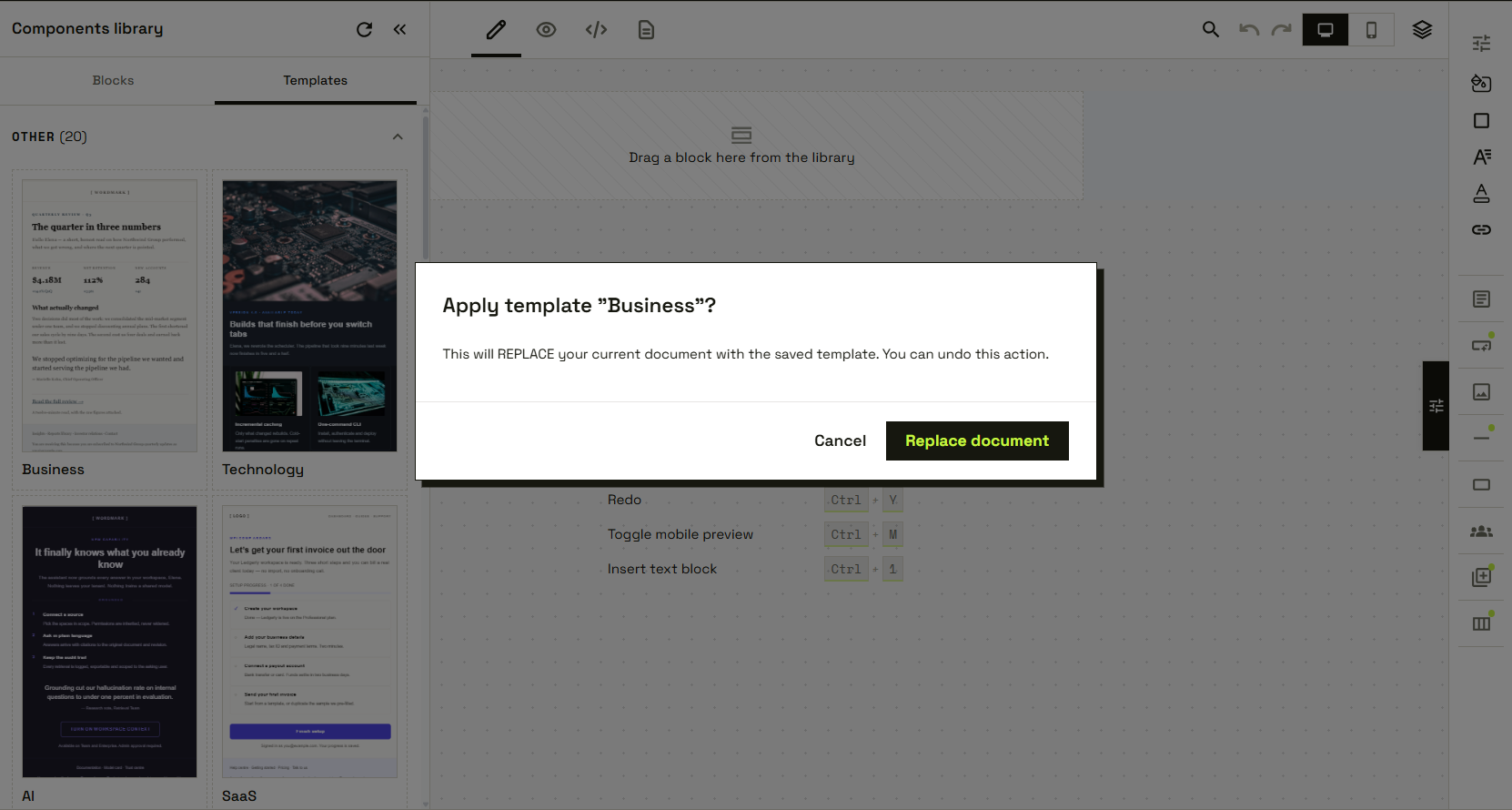
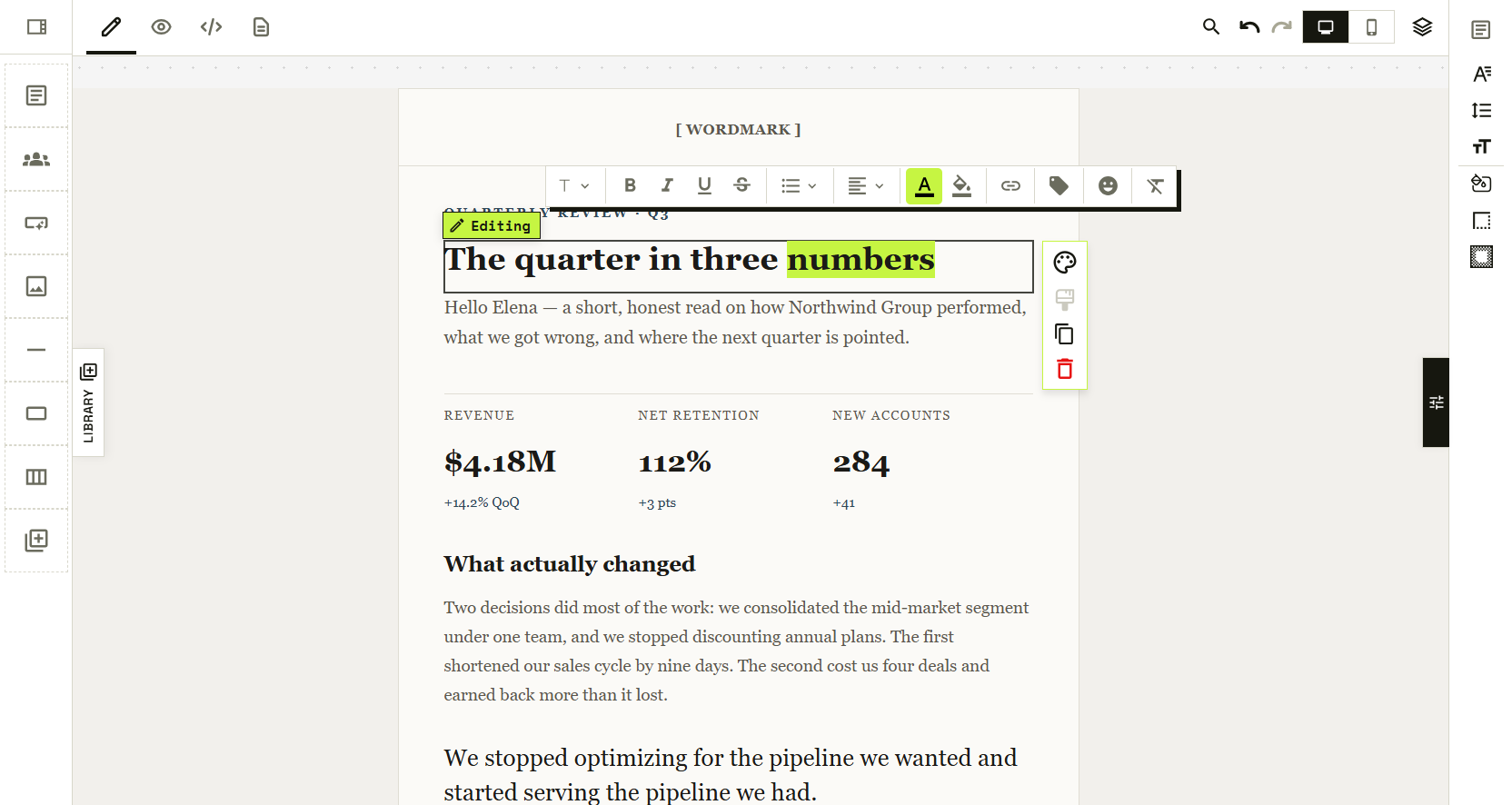
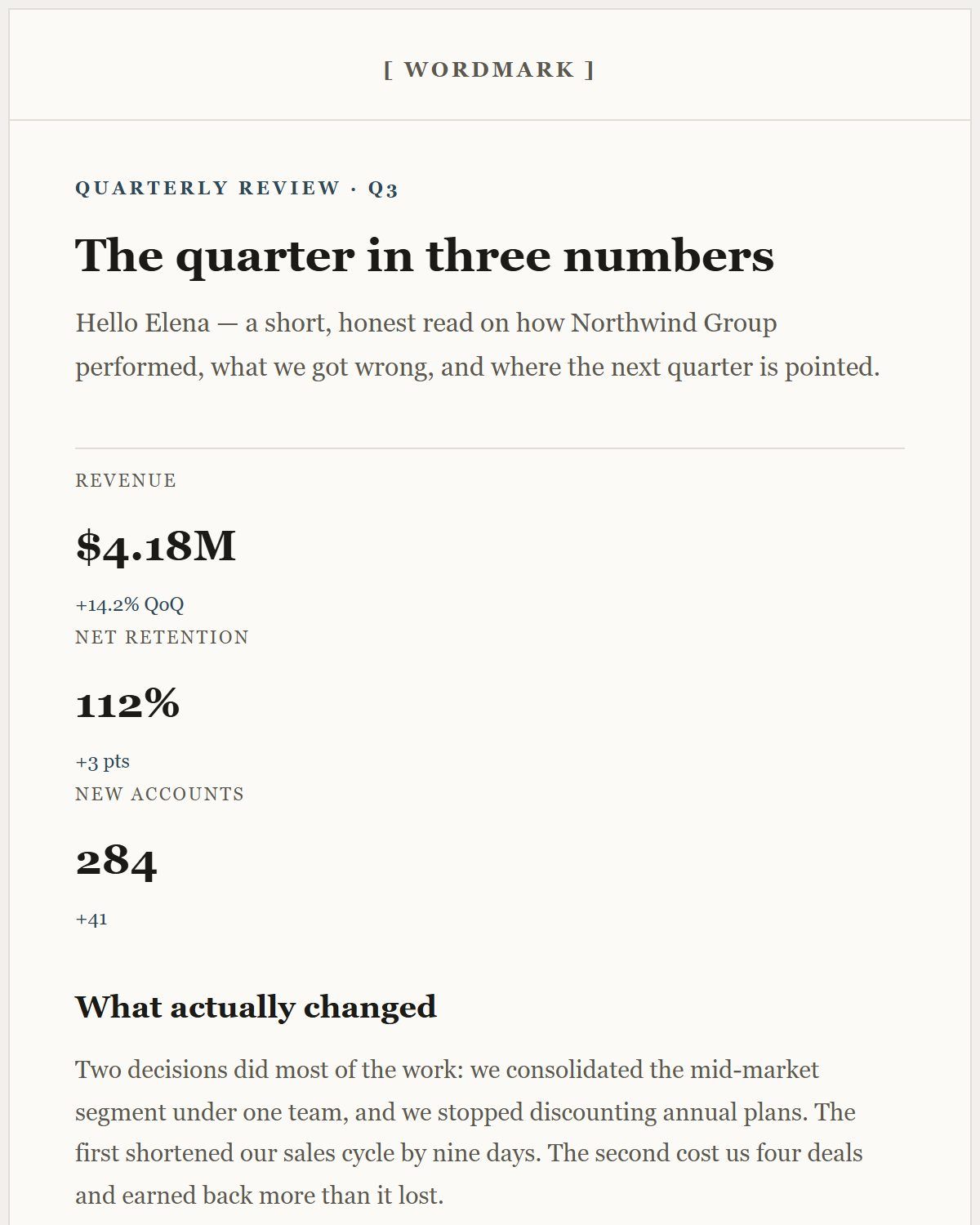
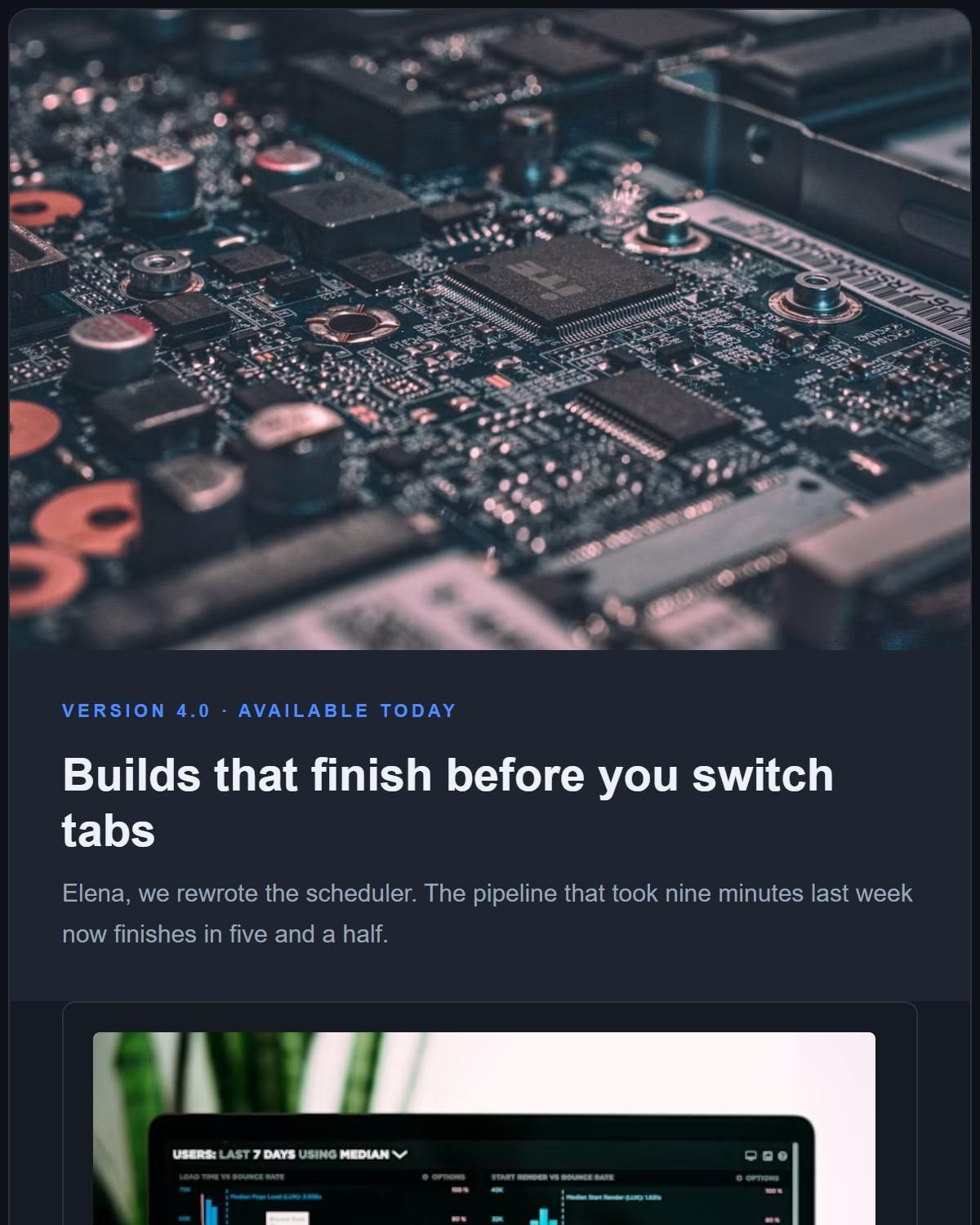
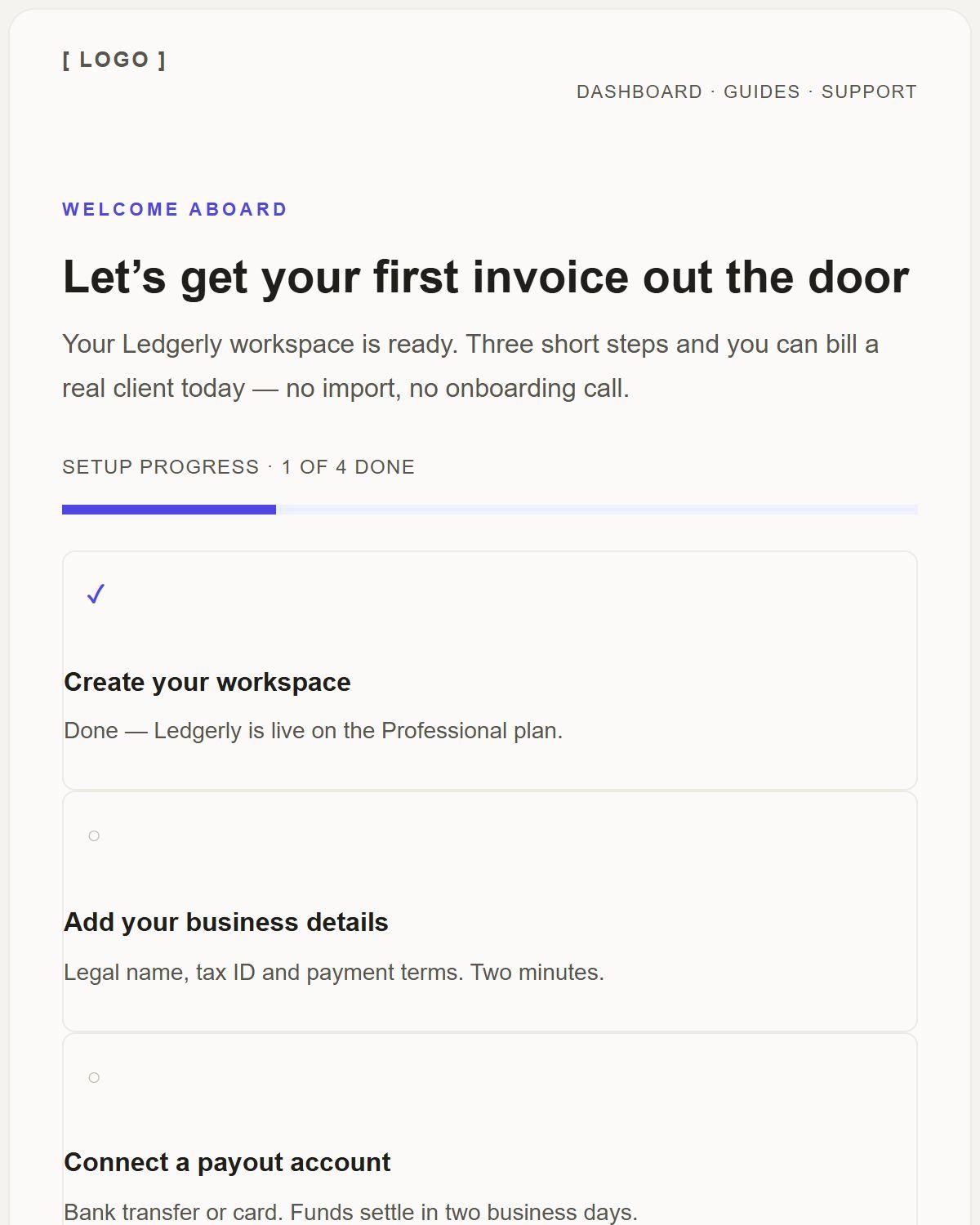
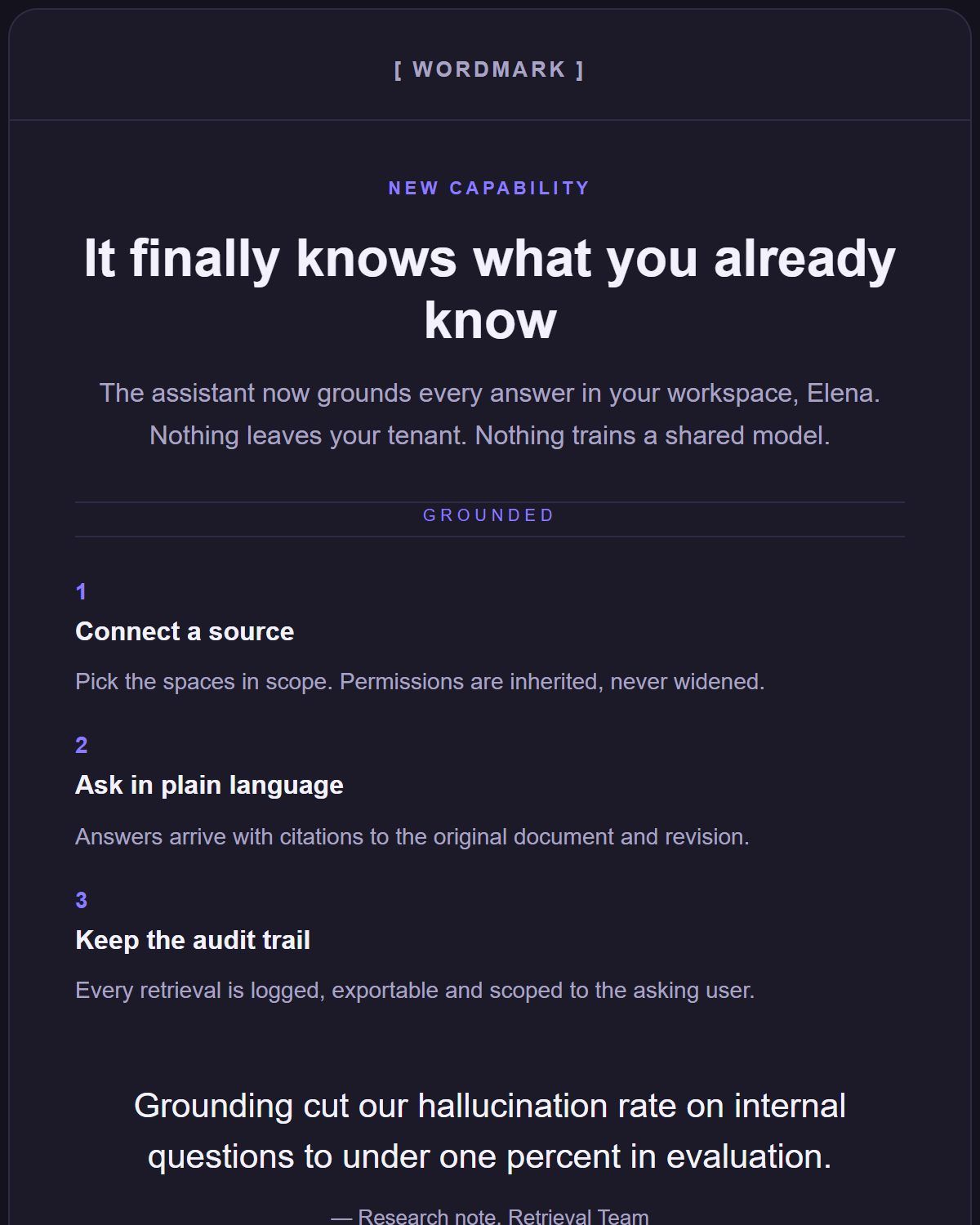
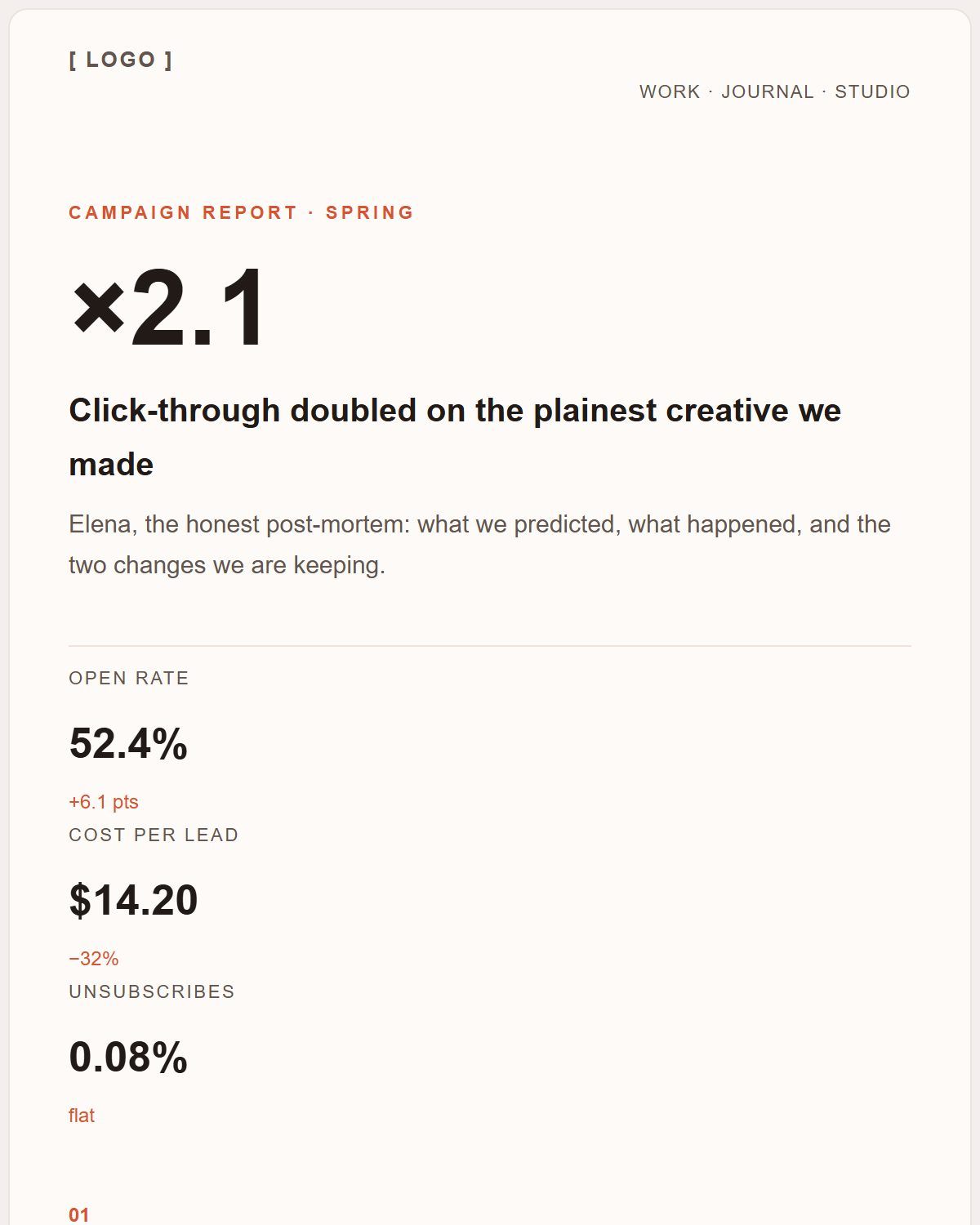
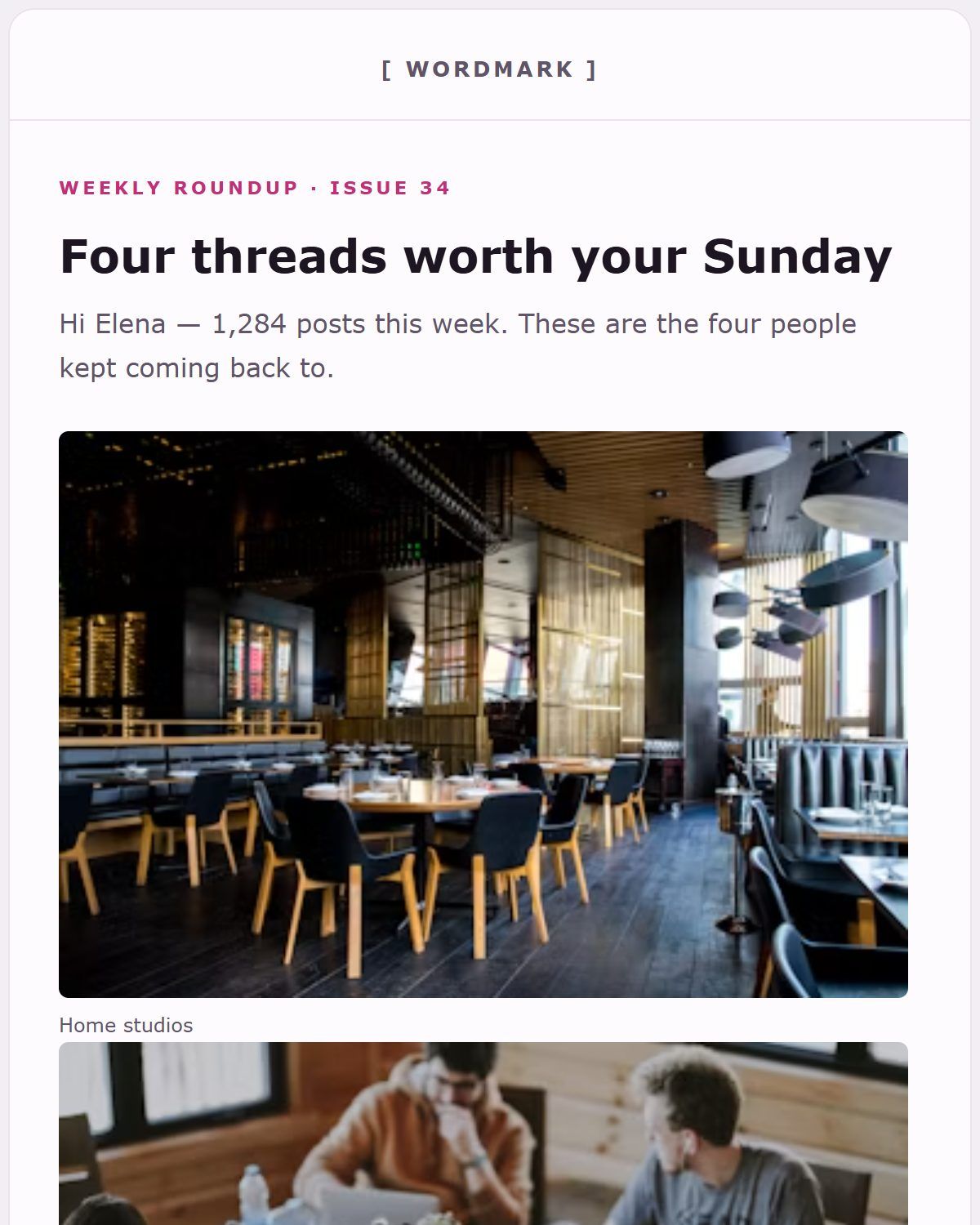
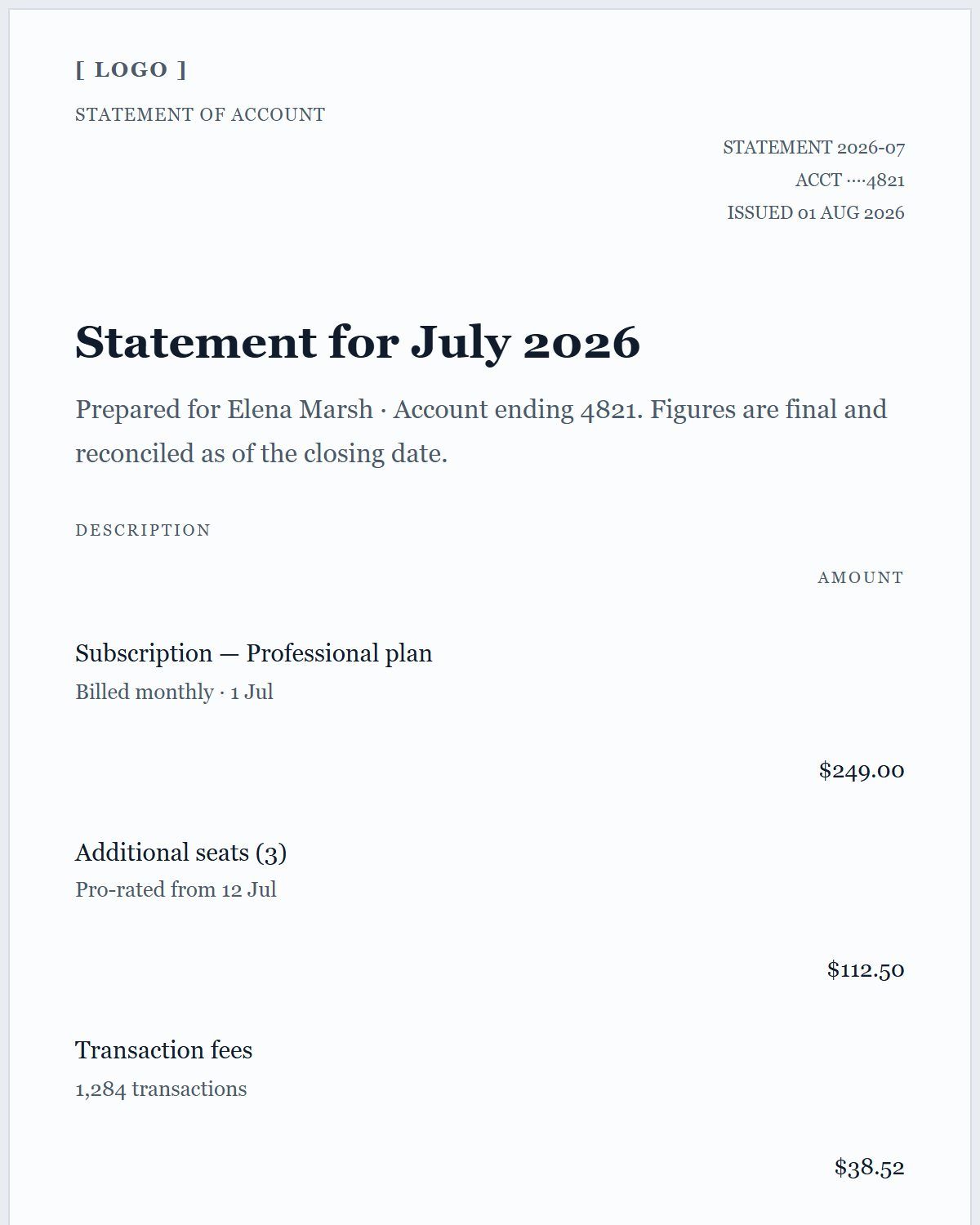
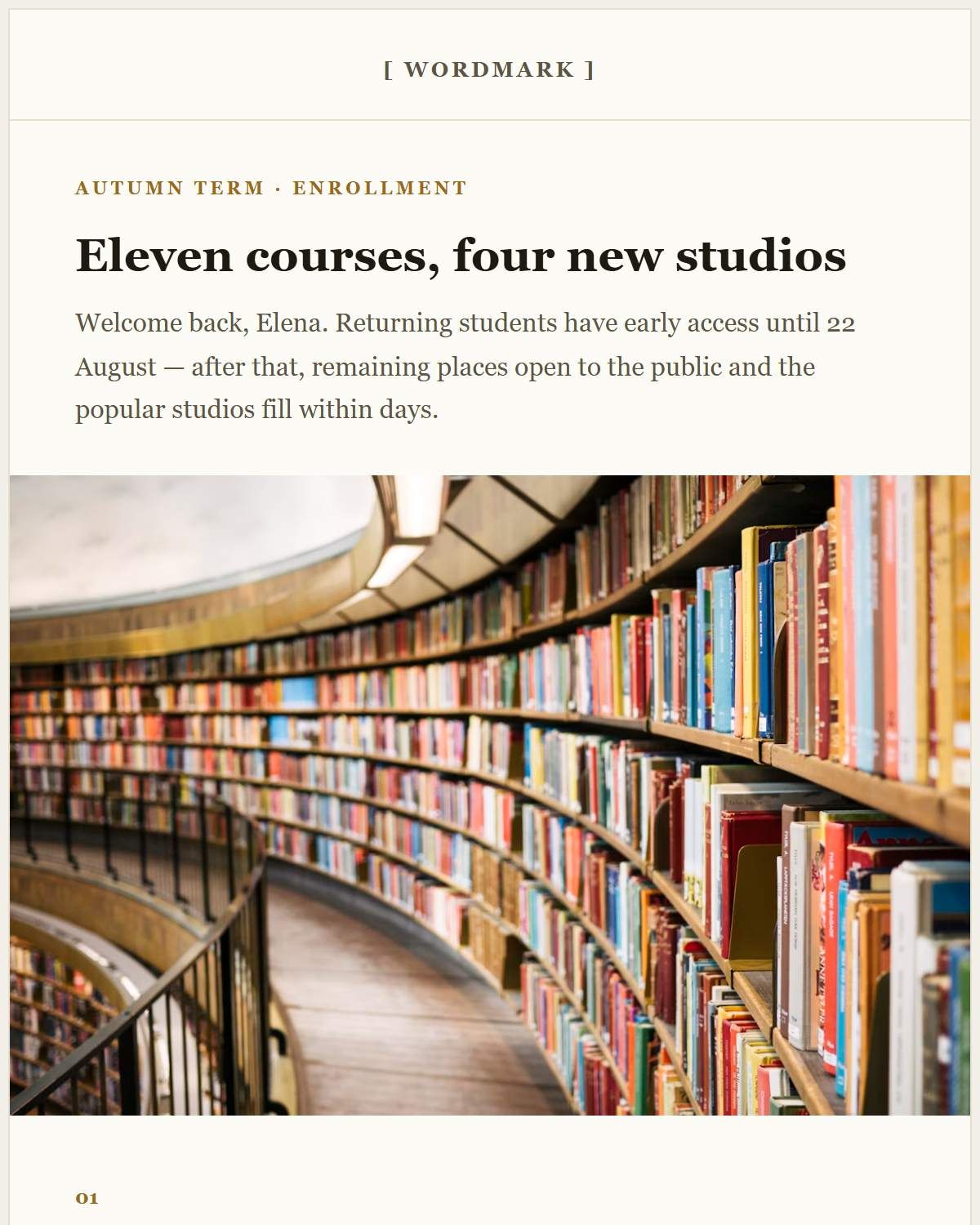
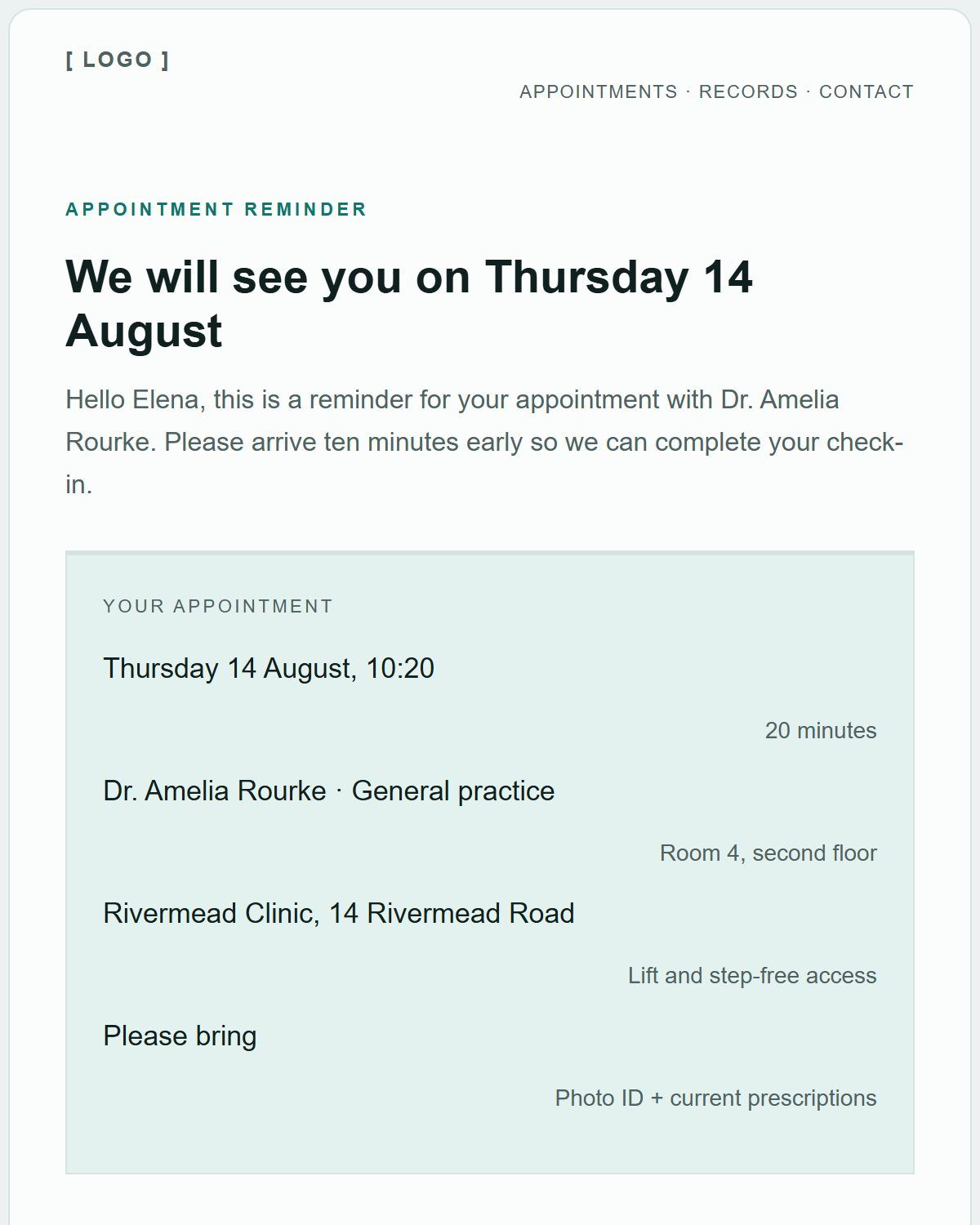
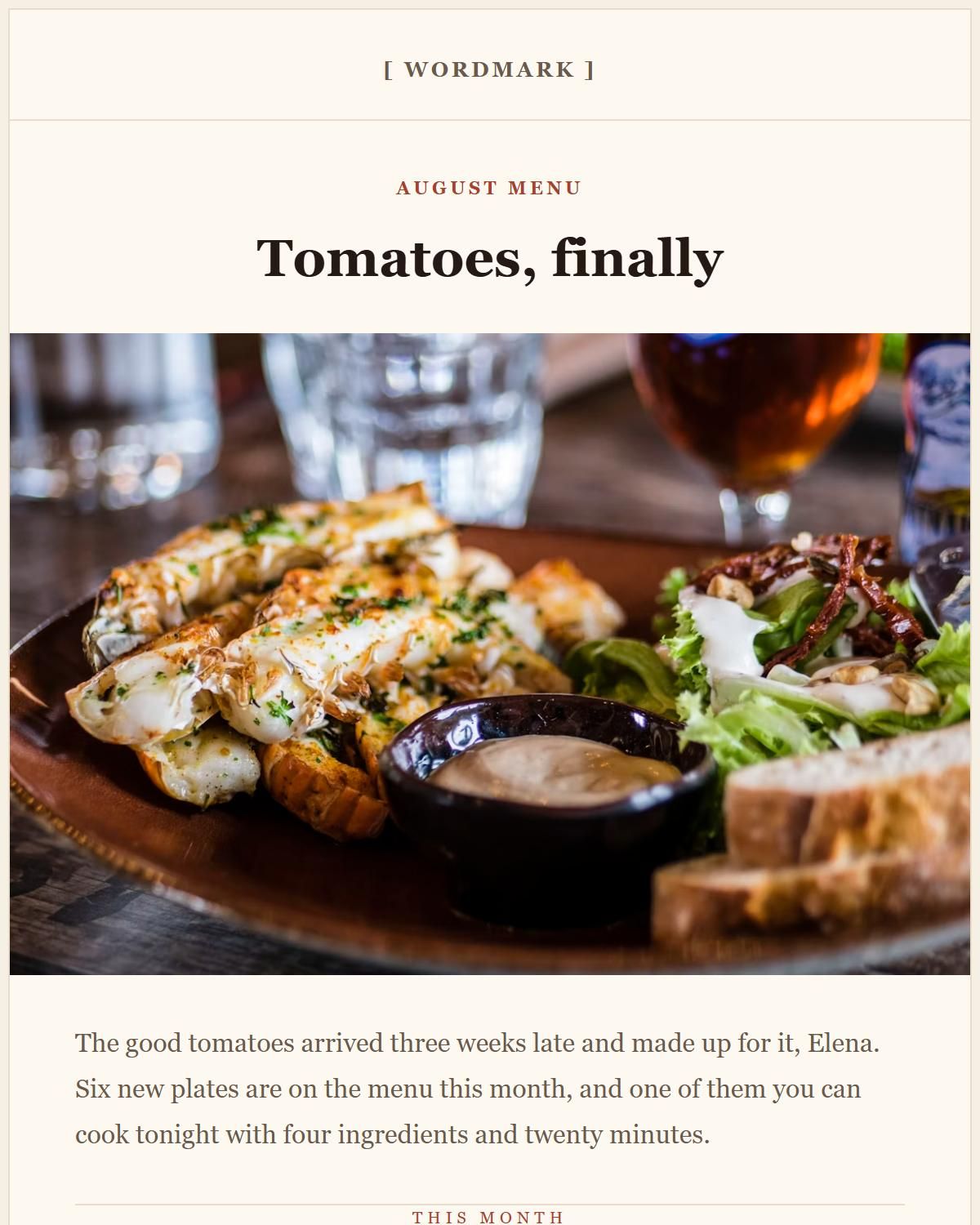
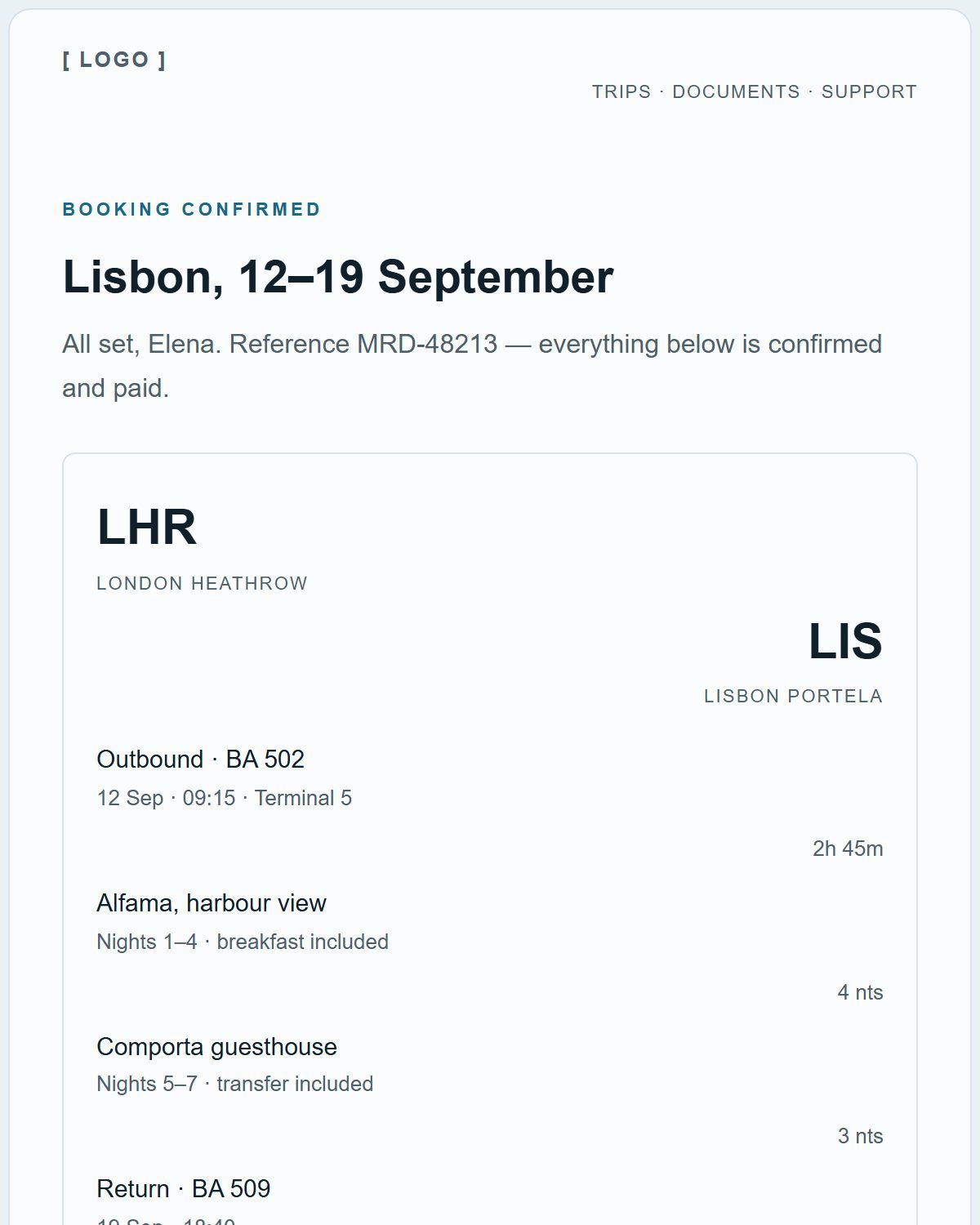
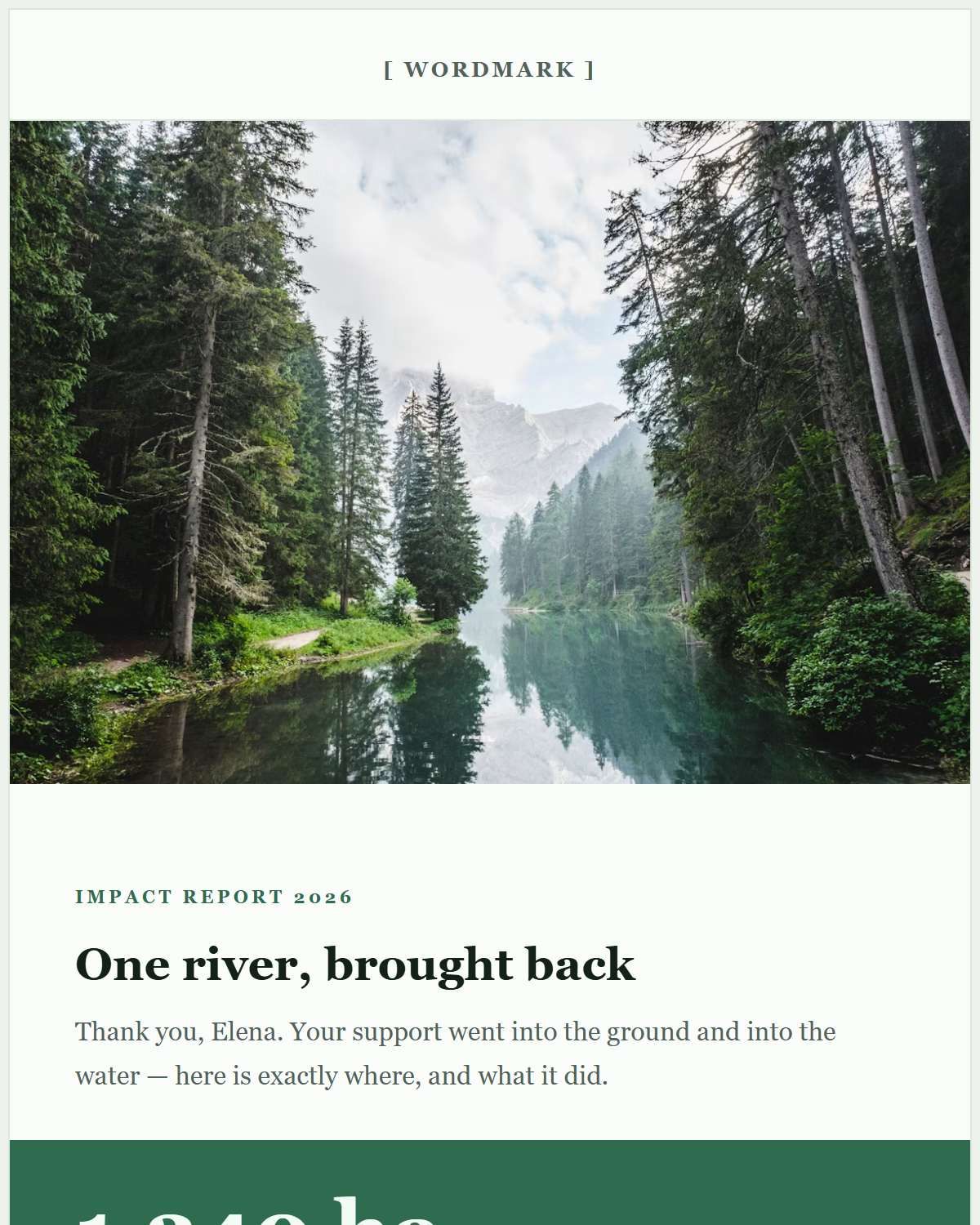
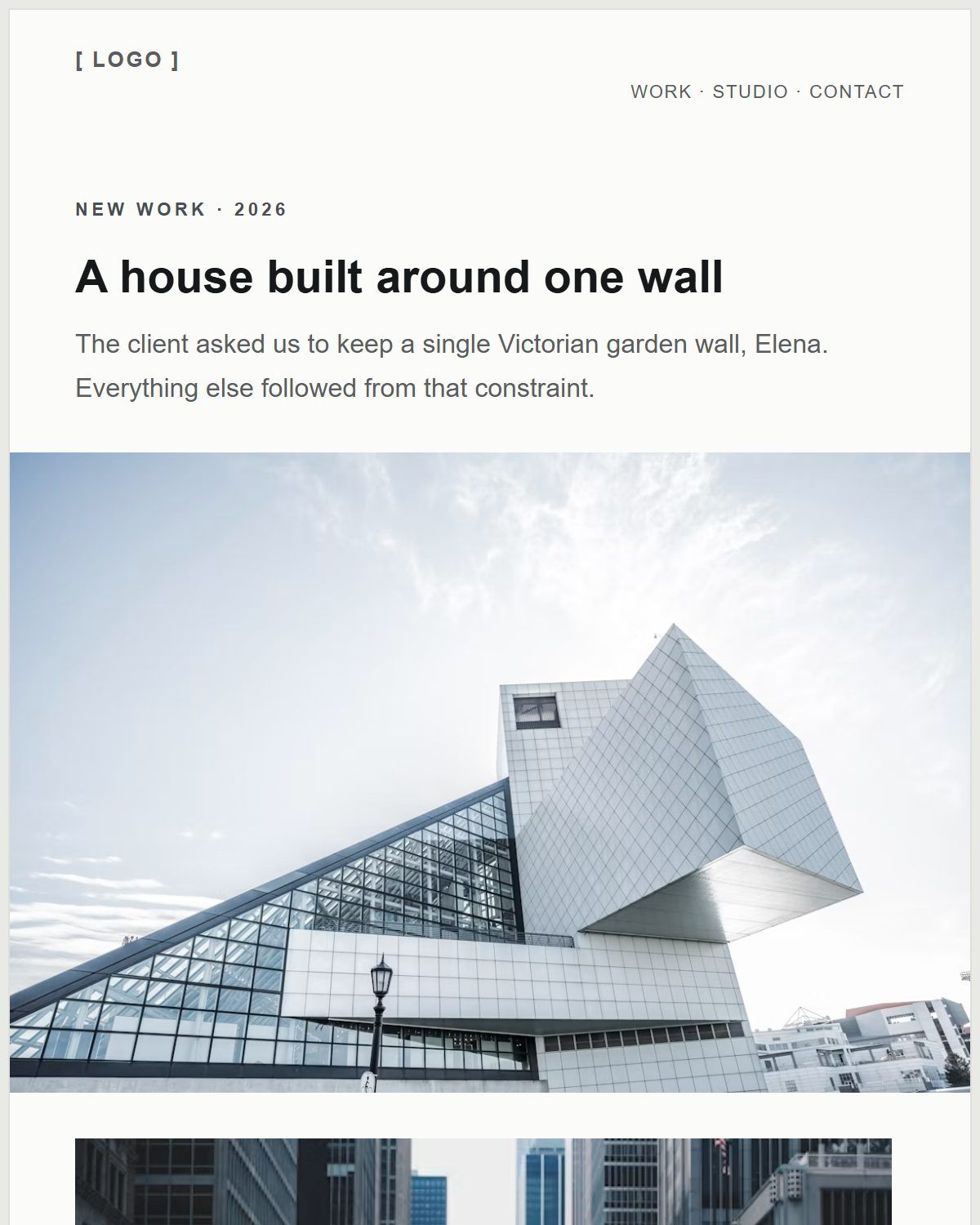
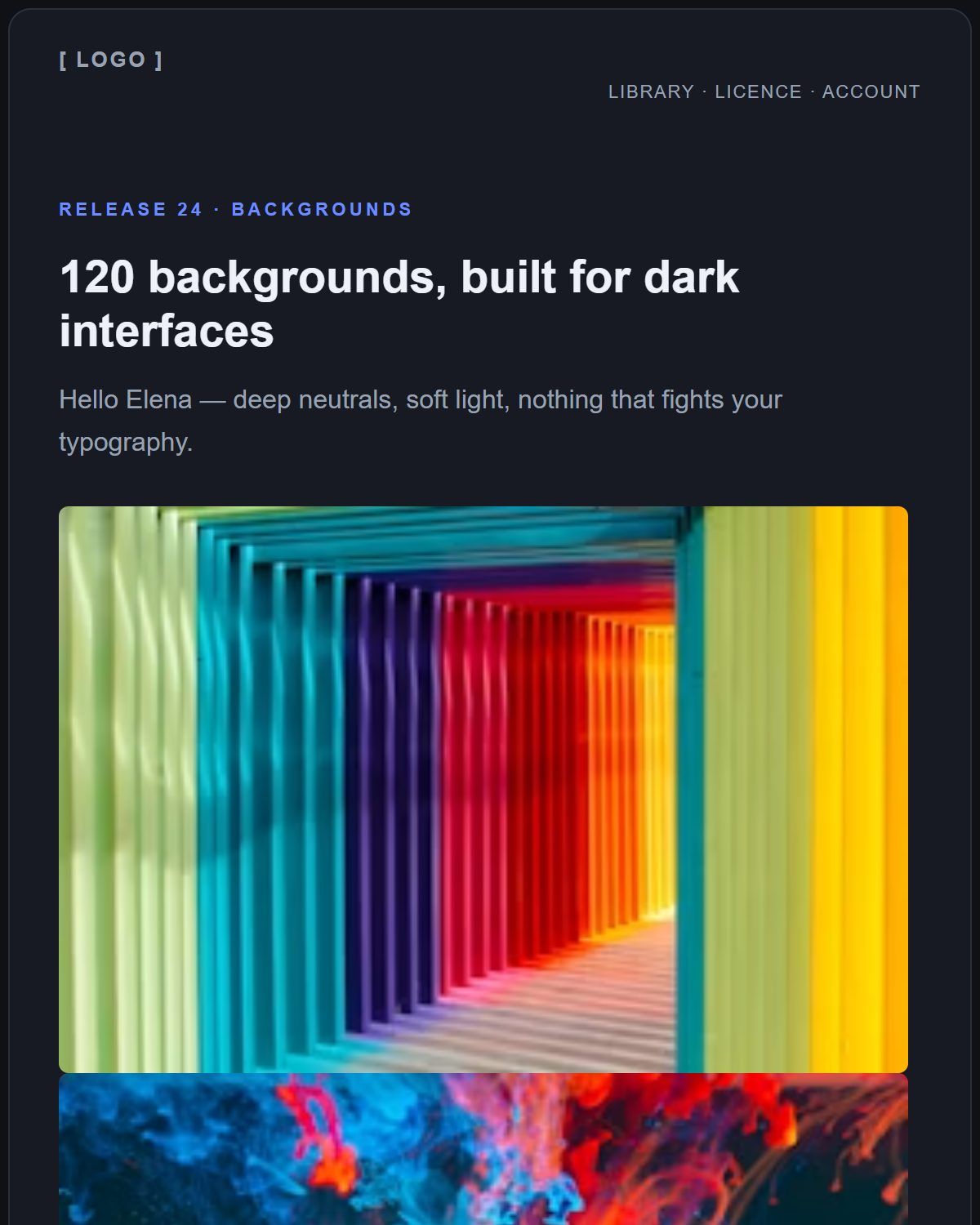
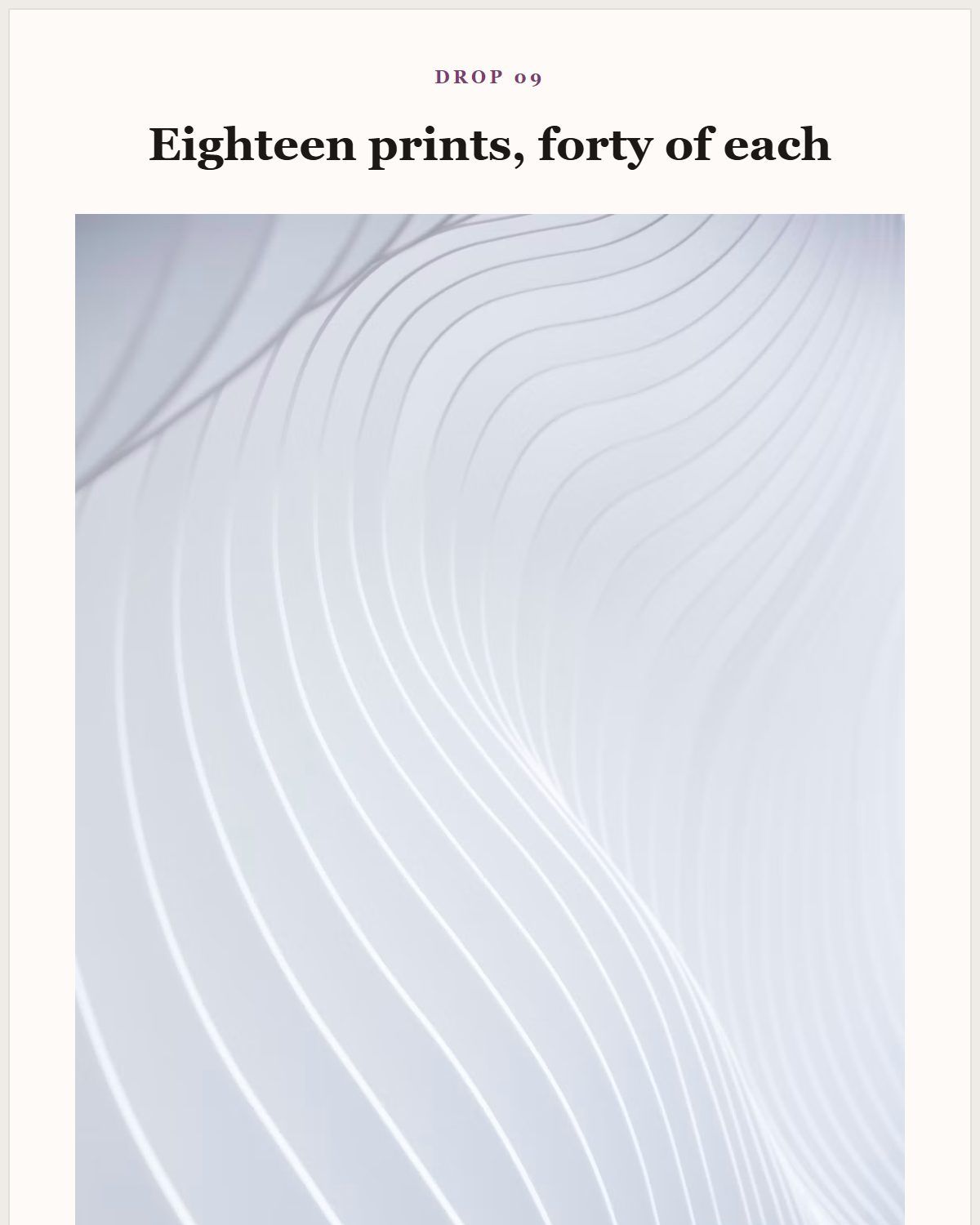
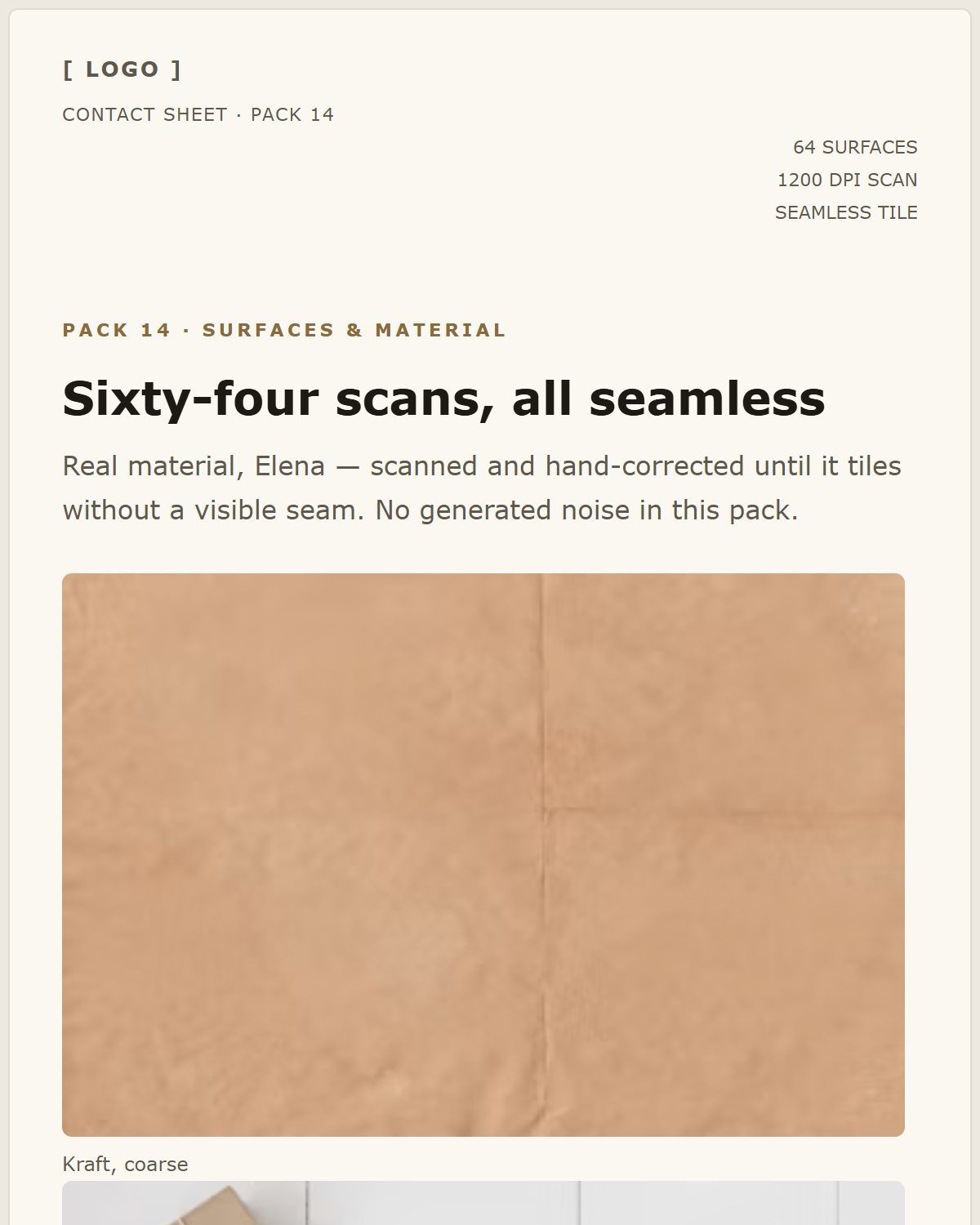
Four moments from a real session.
Blank canvas, template library, applying one, editing copy in place.
Start with a free email template.
20 real templates for launches, newsletters, receipts and more — each one opens straight in the editor.
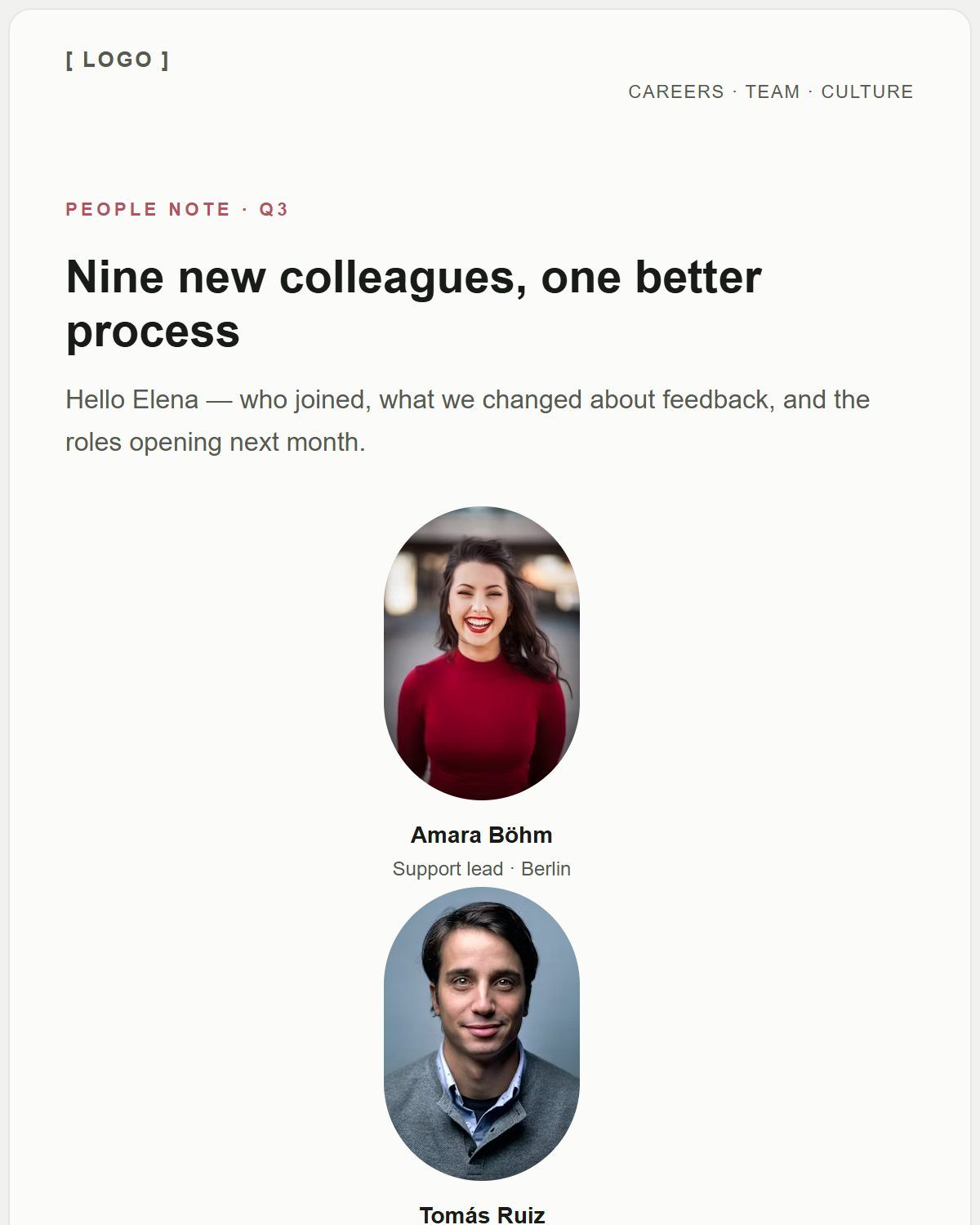
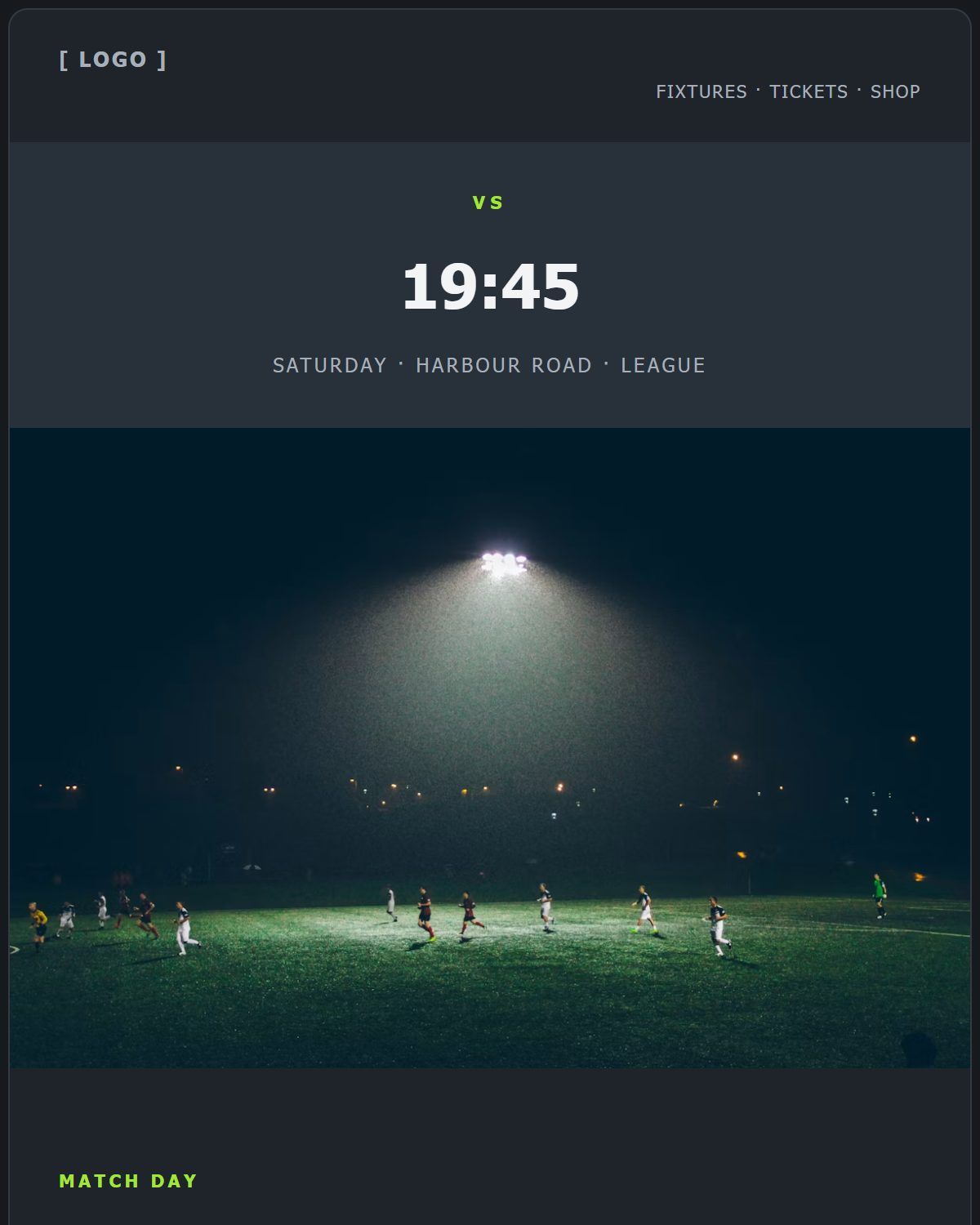
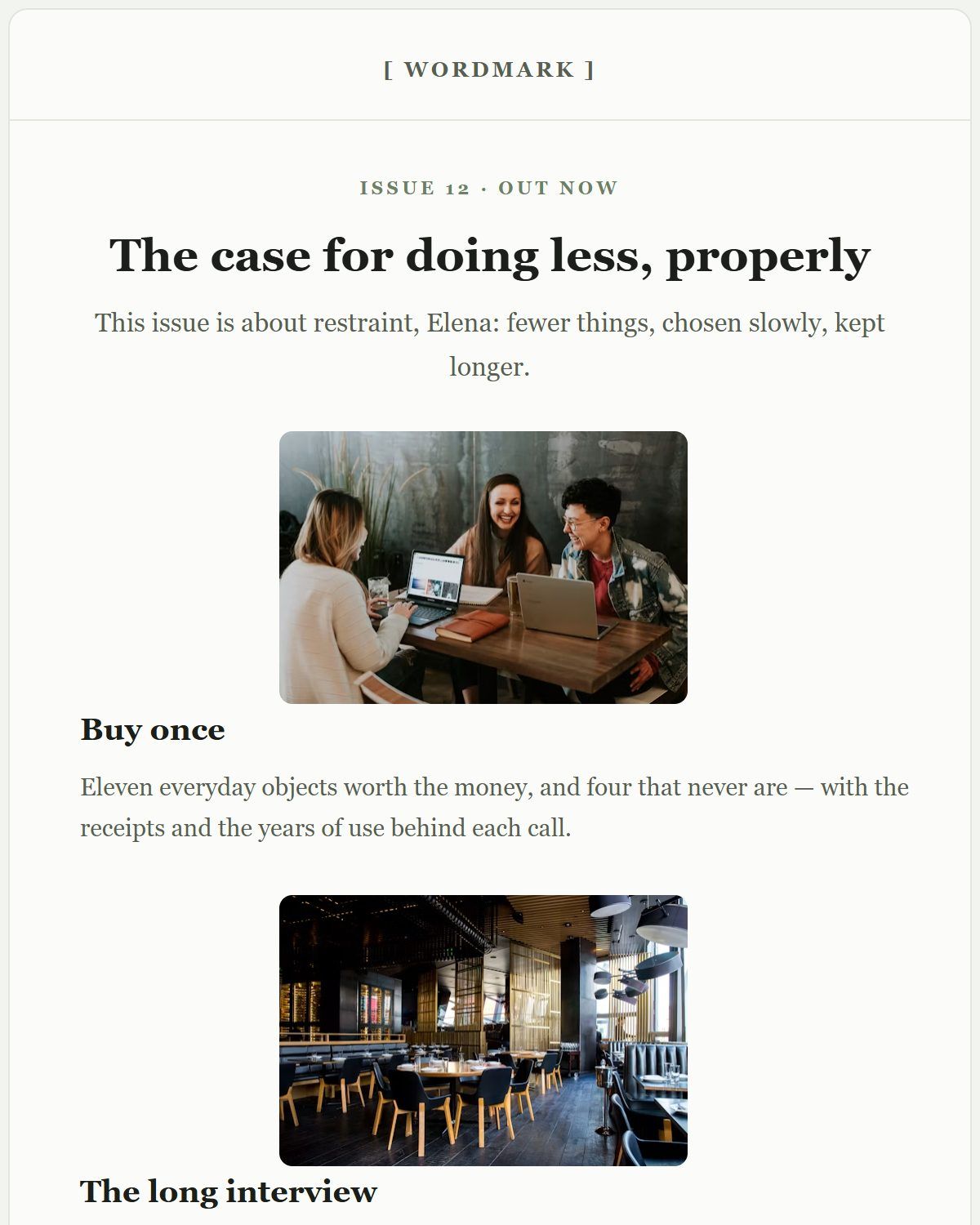
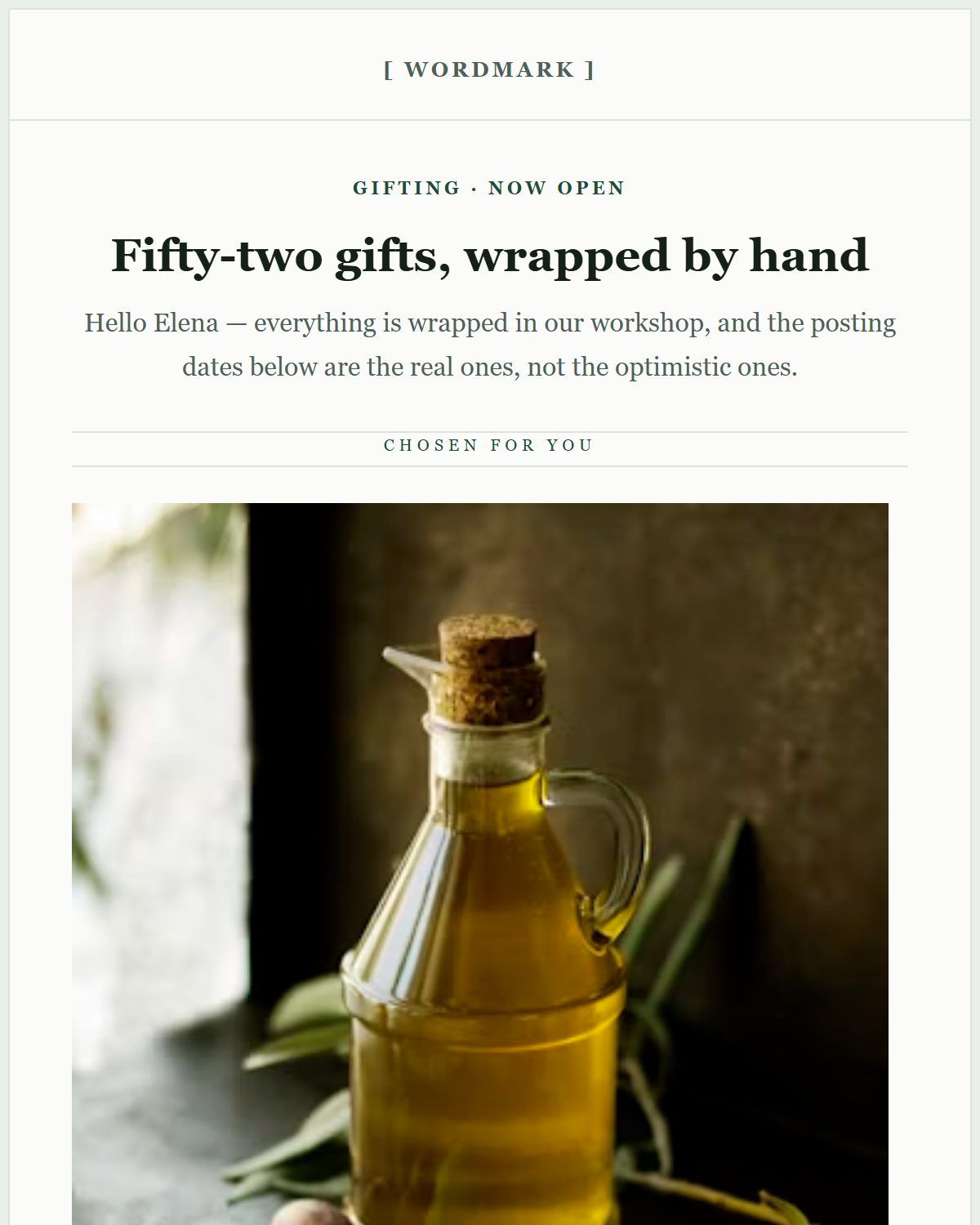
Build responsive HTML emails.
Most email is opened on a phone first, so the layout is fluid from the start: columns can be set to stack on mobile, text can carry a separate mobile font size, and images scale to the width of their container rather than forcing a sideways scroll.
You never write a media query for any of it. The output is table-based with inline styles — the shape that still holds together in a client that throws your stylesheet away — and you can switch the canvas to the phone width while you work.
Export your email as HTML.
When the design is done, open the export panel and take the HTML with you. It is a single self-contained document: table-based layout, inline styles, your own image URLs.
That output is the point. You are not renting a design that only works inside one vendor's dashboard — you leave with the file, and you can diff it, version it or hand it to a developer.
Works with your email platform.
Anywhere that accepts a custom HTML email accepts this one: a campaign in Mailchimp or Brevo, a transactional template in Amazon SES, Postmark, Resend or SendGrid, or your own SMTP code. Merge tags you type survive the export untouched.
Inky does not send email and does not manage your list — that stays where it already is, which is also why there is nothing to sign up for here.
No signup. No limits.
There is no account, no email address to hand over, no trial countdown and no paywall in front of the export button. Every template and every block is available on the first click.
It can work that way because the builder runs entirely in your browser: your document is held locally, nothing is uploaded to a server, and there is no per-seat cost for us to pass on to you.
Open, build, export. Done.
Pick a starting point
Open a template or a blank canvas — whichever gets you moving fastest.
Drag in your blocks
Restyle, reorder and fill in your words with a live preview the whole way.
Grab your code
Copy the HTML, paste it into wherever you need it.
Frequently asked questions.
Is this email builder really free?
Yes. There is no paid tier, no trial period and no export paywall. The builder runs in your browser, so there is no hosting cost per user to recover.
Do I need to create an account?
No. There is no signup, no password and no email address to hand over. Open the editor and start building.
Can I export the email as HTML?
Yes. The editor gives you the finished email as HTML you can copy out, and you keep it — nothing is locked to this site.
Can I build responsive HTML emails?
Yes. Layouts are built from table-based blocks whose columns stack on narrow screens and whose images scale down, so you do not hand-write media queries.
Do I need to know HTML?
No. Building is drag and drop with a live preview. Knowing HTML only helps afterwards, if you want to read or adjust the exported markup.
Can I use the exported HTML with my email platform?
Yes, wherever a custom HTML email is accepted — an ESP campaign, a transactional template or your own sending code. Inky builds the email; your platform sends it.
Does the email builder work with Gmail and Outlook?
The export uses the table-based, inline-styled markup those clients render most predictably, which is why it is built that way rather than with modern CSS layout. As with any email, send yourself a test in the clients your audience actually uses before a campaign.
Can I create newsletters with it?
Yes. Several of the bundled templates are newsletter-shaped — a masthead, stacked stories with images, and a footer — and the block palette covers dividers, columns and buttons for the rest.
Where is my work saved?
In your own browser. There is no backend and no upload, so the design stays on your machine — export the HTML to keep a copy, and remember that clearing site data clears the draft.
Built for a specific job?
The same free builder, explained for the thing you came here to make.
- Free HTML email builderWhat the exported markup looks like and how to use it.
- Free email template builderStart from a ready template, or build one you can reuse.
- Online HTML email editorThe WYSIWYG canvas, the preview and the HTML output side by side.
- Free newsletter builderBuild an issue, export it, send it from your own platform.
- Responsive email builderHow columns stack and images scale on a phone.
- All 20 free email templatesPreviews, descriptions and a one-click open in the editor.