Free · No signup · Export HTML
Free HTML Email Builder
Build the email on a canvas, then leave with the code. Inky writes the table-based, inline-styled HTML that email clients expect, and hands it to you to paste wherever your email is sent from.
What the HTML you export looks like
Email HTML is its own dialect: a twenty-year-old subset of the web where floats, flexbox and external stylesheets are unreliable and a table is still the safest way to put two things side by side. The builder writes that dialect for you.
- Nested tables for structure, so clients that ignore modern CSS layout still place your blocks correctly.
- Styles inlined on the elements themselves, so nothing breaks when a client strips the <style> block.
- Your own absolute image URLs, so pictures resolve from any inbox rather than from a builder-hosted asset store.
- One Copy HTML action for the finished markup — and Copy JSON or Download JSON file for the design itself, if you want to reopen it later.
Hand-written email HTML, minus the hand-writing
The tedious part of email development is not the design, it is the scaffolding: the wrapper tables, the width attributes repeated in three places, the padding cells, the style attribute you forgot to inline. That is what the builder removes.
You work with blocks — text, image, button, divider, spacer, columns — and the markup underneath stays consistent because it is generated, not retyped. Undo and redo cover the experiments, and nothing is saved to a server you have to trust.
Who builds email this way
Three groups keep arriving at the same requirement — a visual editor whose output is a file, not a hosted page.
- Developers wiring a transactional email into Amazon SES, Postmark, Resend or SendGrid, who need the HTML in the repository next to the code that sends it.
- Marketers whose ESP accepts a custom HTML campaign but whose built-in editor cannot produce the layout they were given.
- Agencies and freelancers who have to hand a client something they own outright at the end of the job.
Start from a template instead of a blank canvas
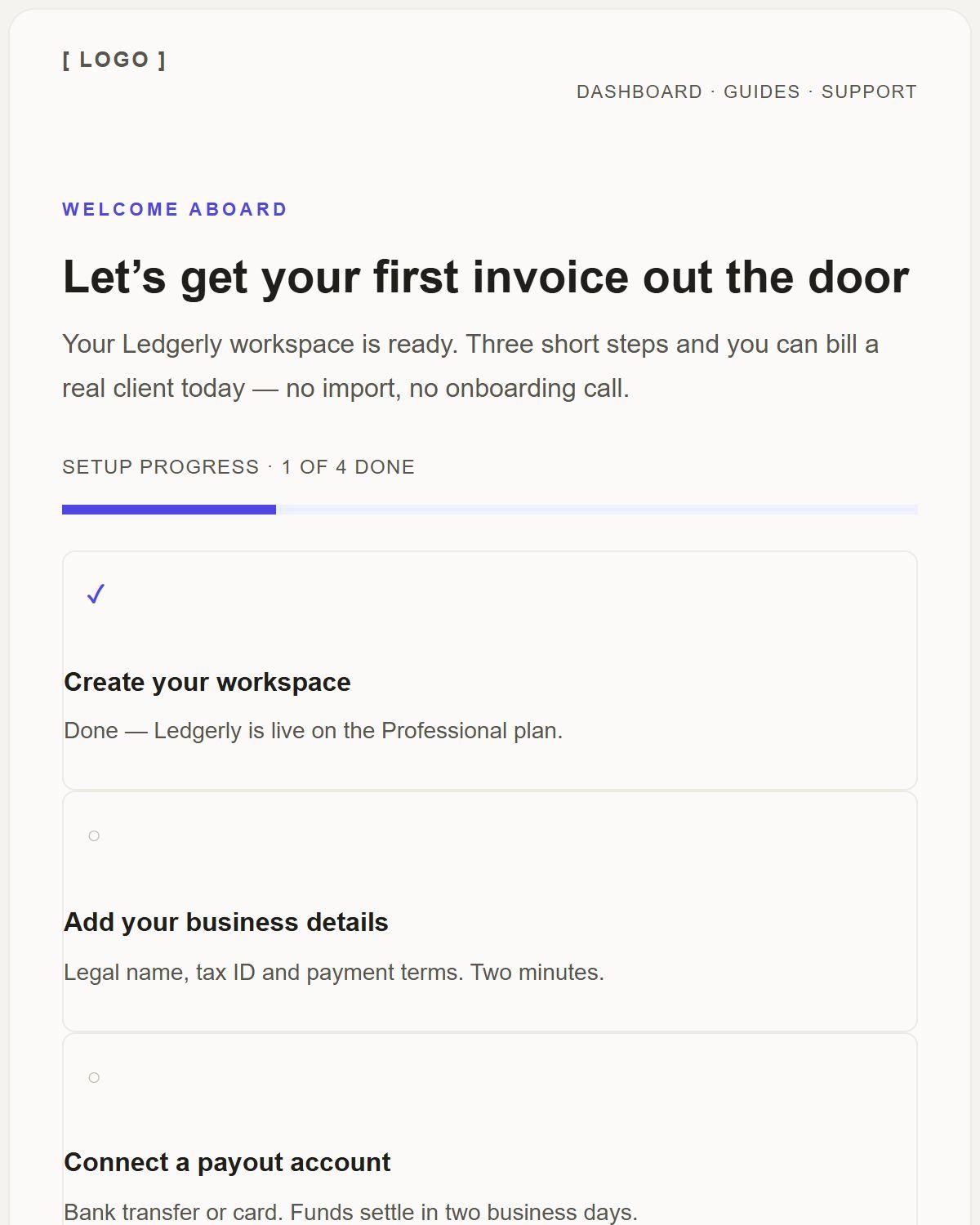
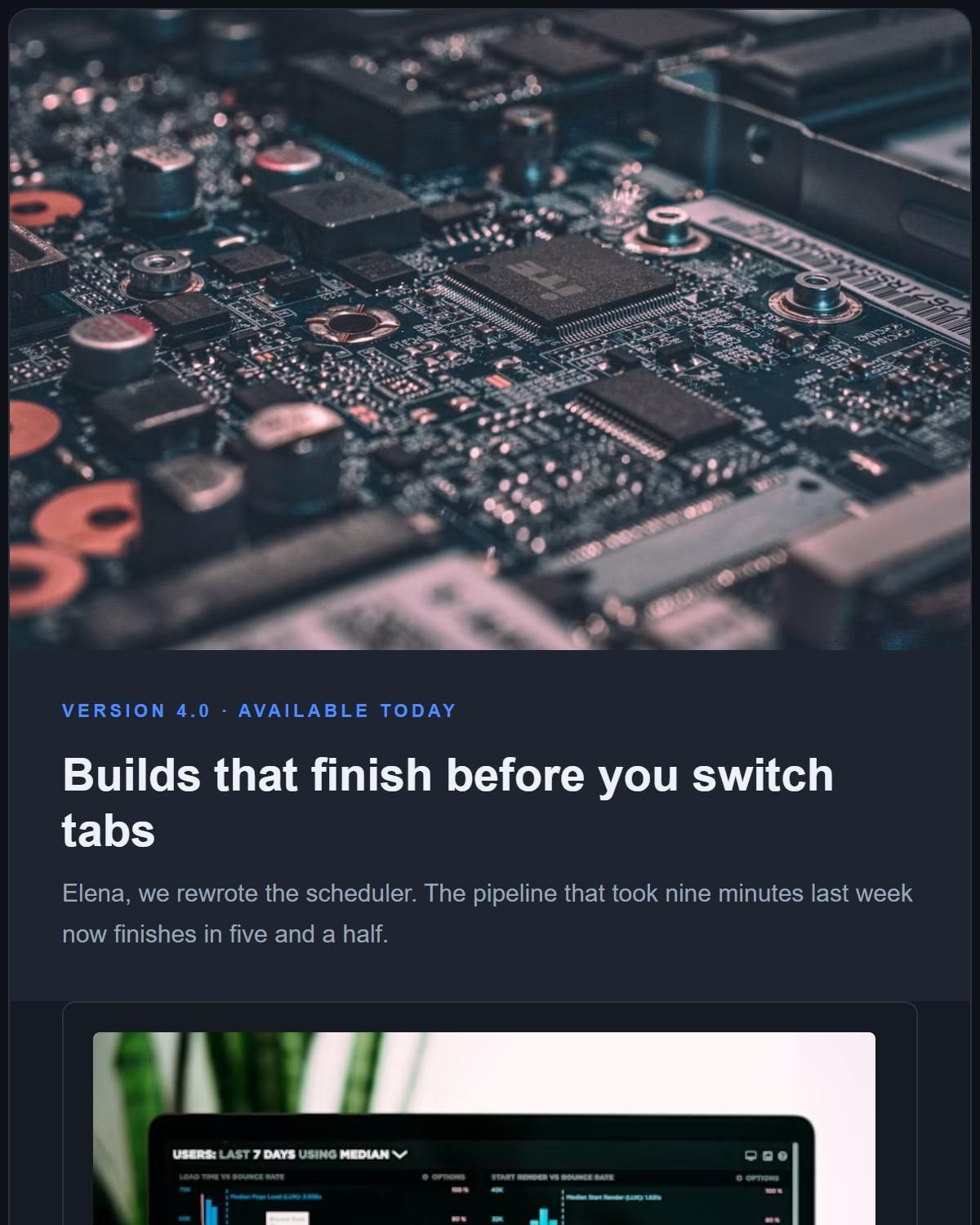
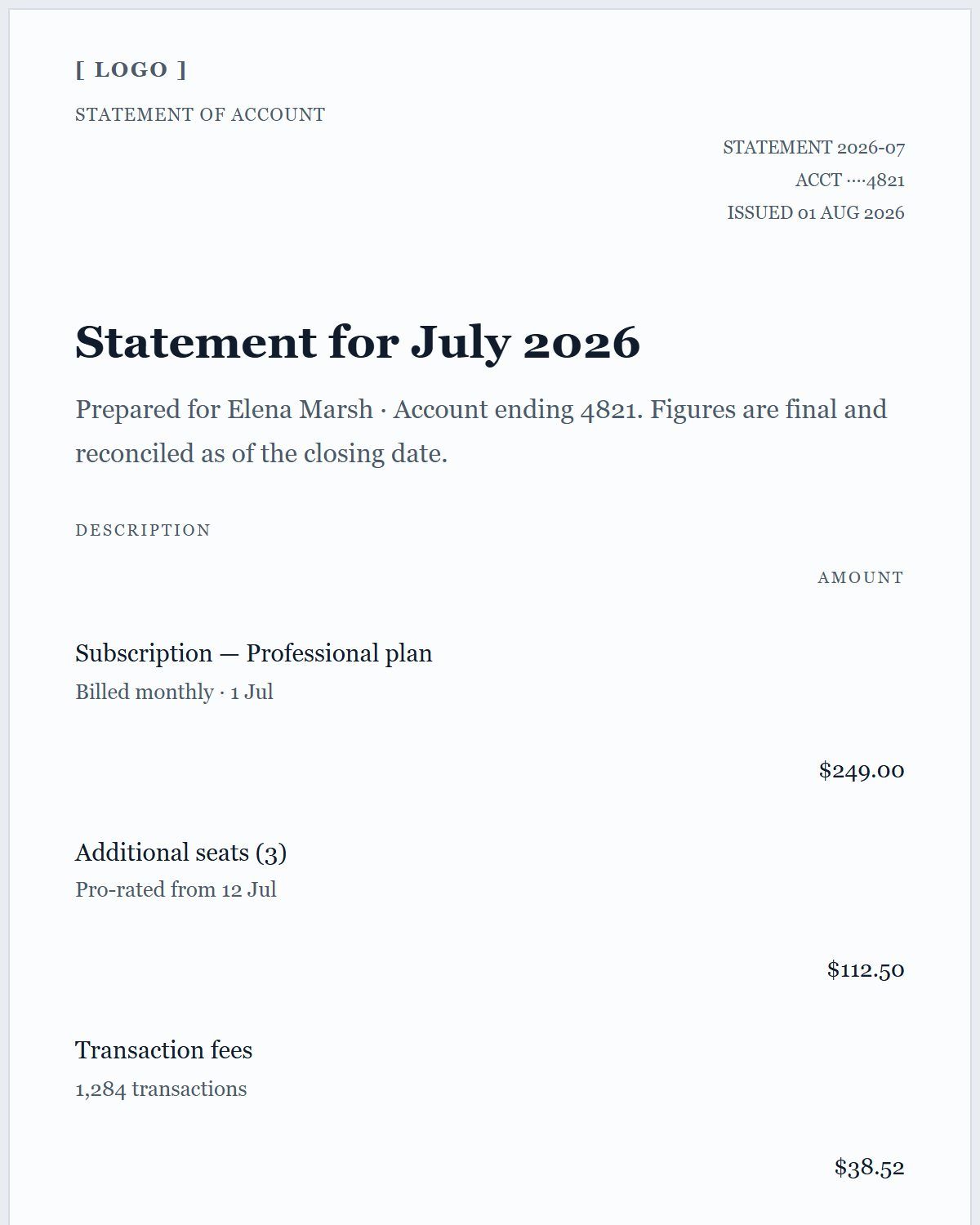
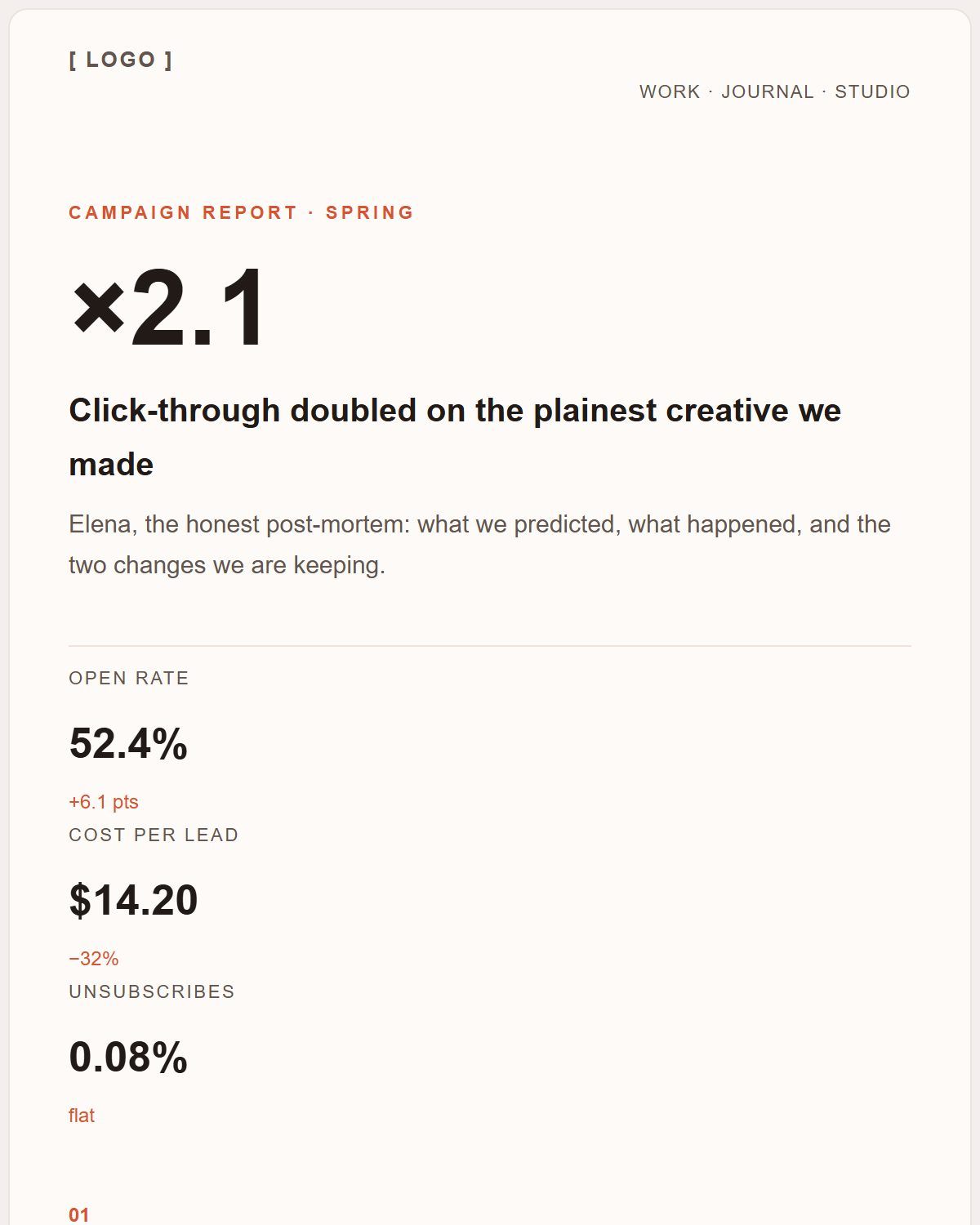
Every template opens in the editor as an editable document, and exports the same way as anything you build yourself.
Questions people ask about this
Is the exported HTML mine to use?
Yes. Copy it out and use it in commercial email, client work or a product — there is no attribution requirement and no link back to this site in the markup.
Can I edit the HTML afterwards?
Yes, it is a plain file: open it in any editor. Note that the visual editor does not import HTML back in, so if you want to keep editing on the canvas, keep the design as JSON as well.
Does the builder upload my email anywhere?
No. It runs entirely in your browser and there is no backend, so the document and the exported HTML never leave your machine.