Free · No signup · Export HTML
Free Newsletter Builder
Lay out an issue with drag and drop, export the HTML, and send it from wherever your list already lives. Inky builds the newsletter; your sending platform keeps the subscribers.
The shape of a newsletter, block by block
A newsletter is a repeatable structure, and the palette maps onto it directly: a masthead with your logo, a dated kicker line, then story blocks — image, headline, standfirst, a button to the full piece — separated by dividers.
Two-column rows handle the "in brief" roundup at the bottom without breaking on a phone, and the footer takes your social row, address line and the unsubscribe tag your platform provides.
Send it with the platform you already use
Inky does not send email, hold your subscriber list or count opens — and that is deliberate, because those are the parts that require an account, a reputation and a bill. You export the HTML and paste it into a campaign in Mailchimp, Brevo, Klaviyo, Amazon SES or whatever you already pay for.
Compliance stays with that platform too: the unsubscribe link, the sender address and the consent record are its job, and its merge tags go straight into your text blocks — there is even an insert-merge-tag action in the toolbar for it.
Free, with no subscriber tier
Newsletter tools normally price by list size, which means the design tool gets held hostage to how many people you send to. Here the builder is simply free: no account, no cap on how many issues you build, no export paywall — because the sending, and the pricing that goes with it, is not part of this product.
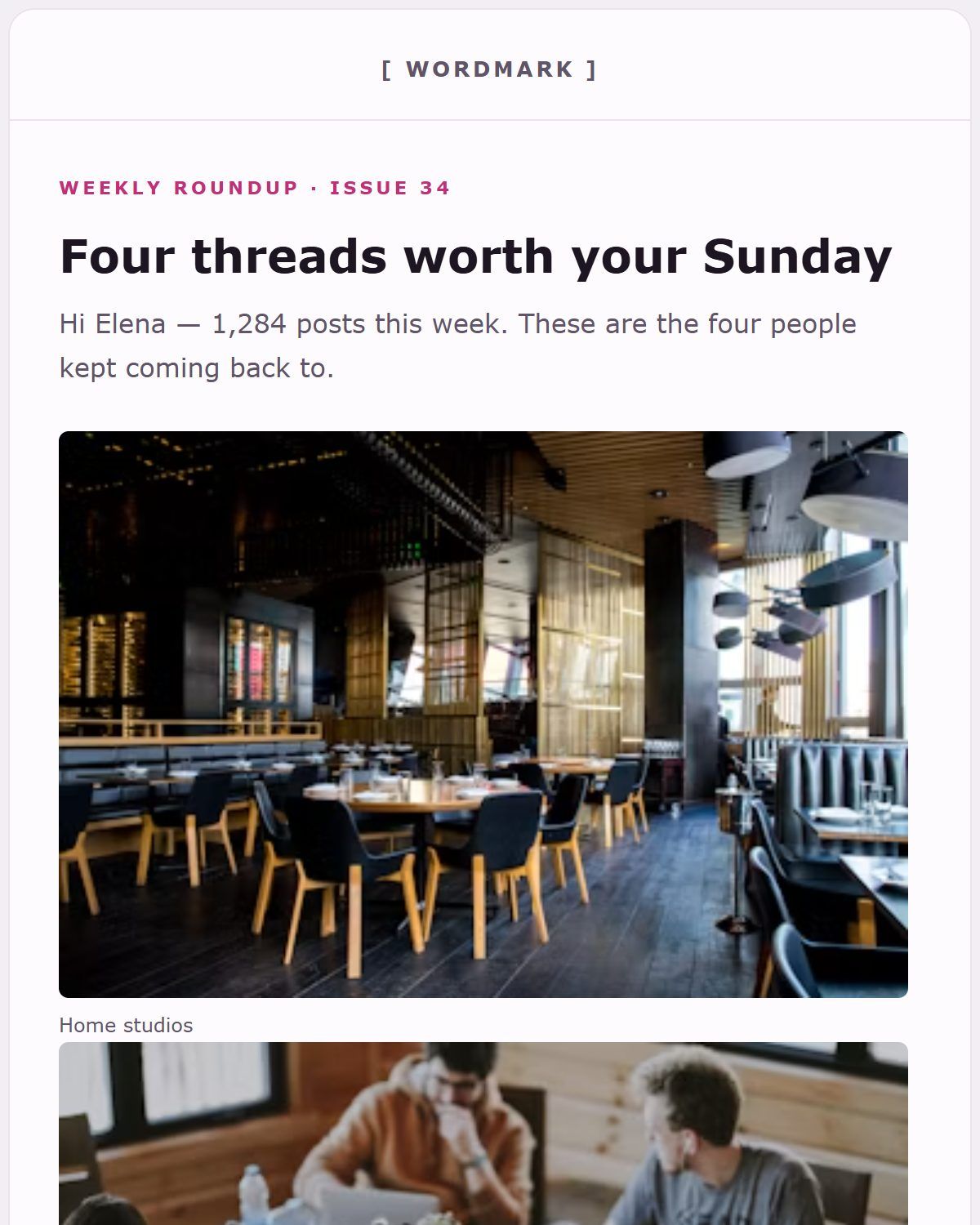
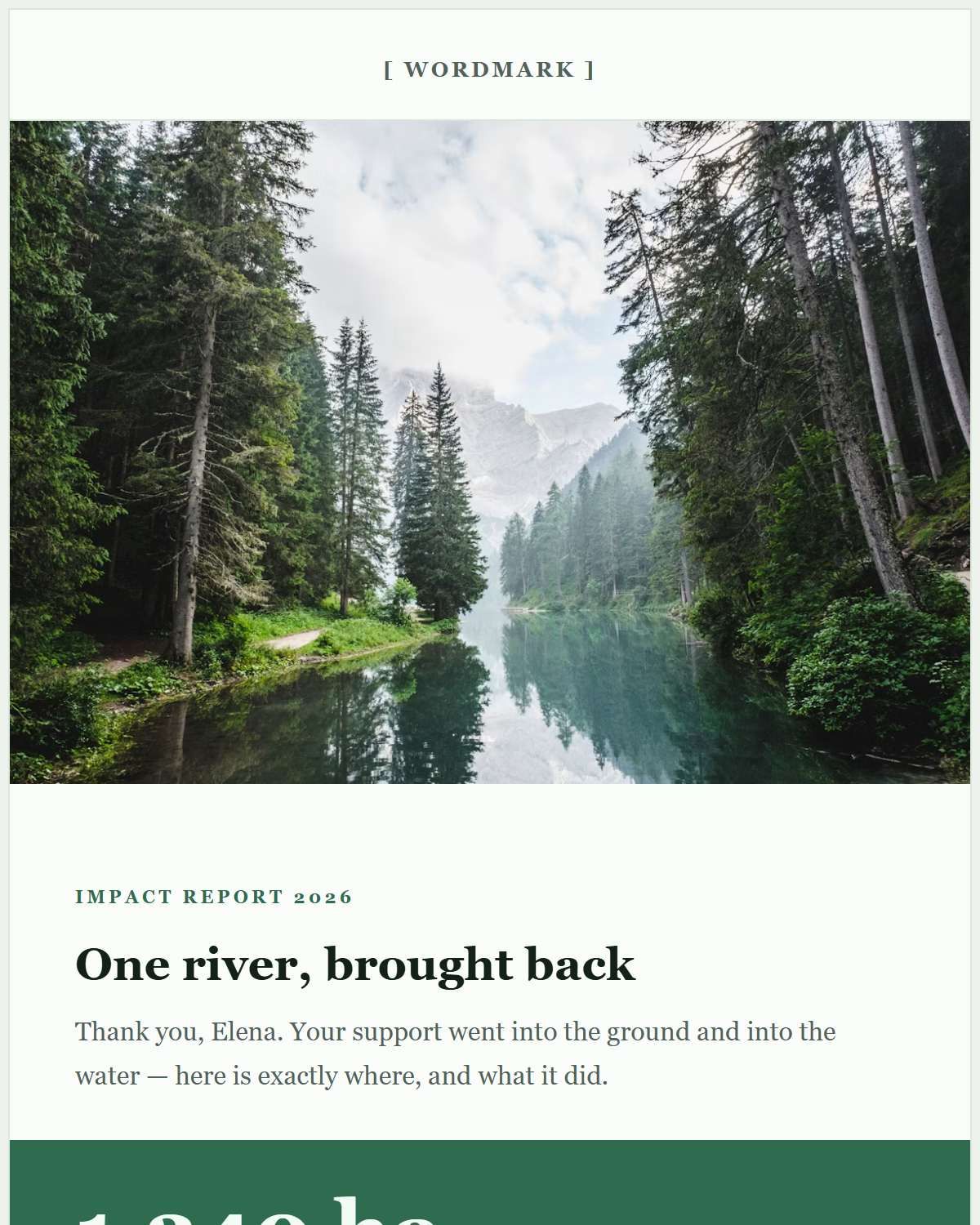
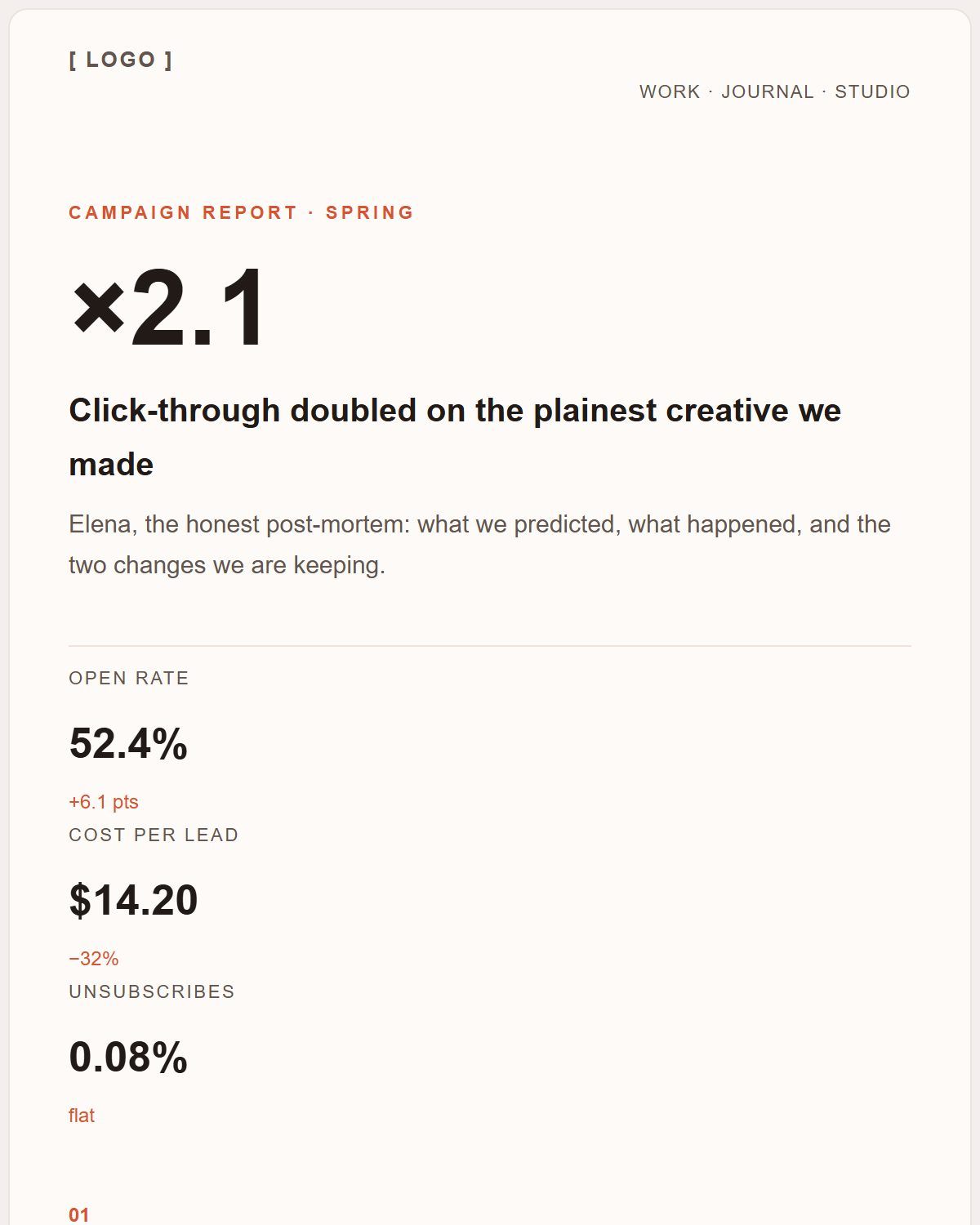
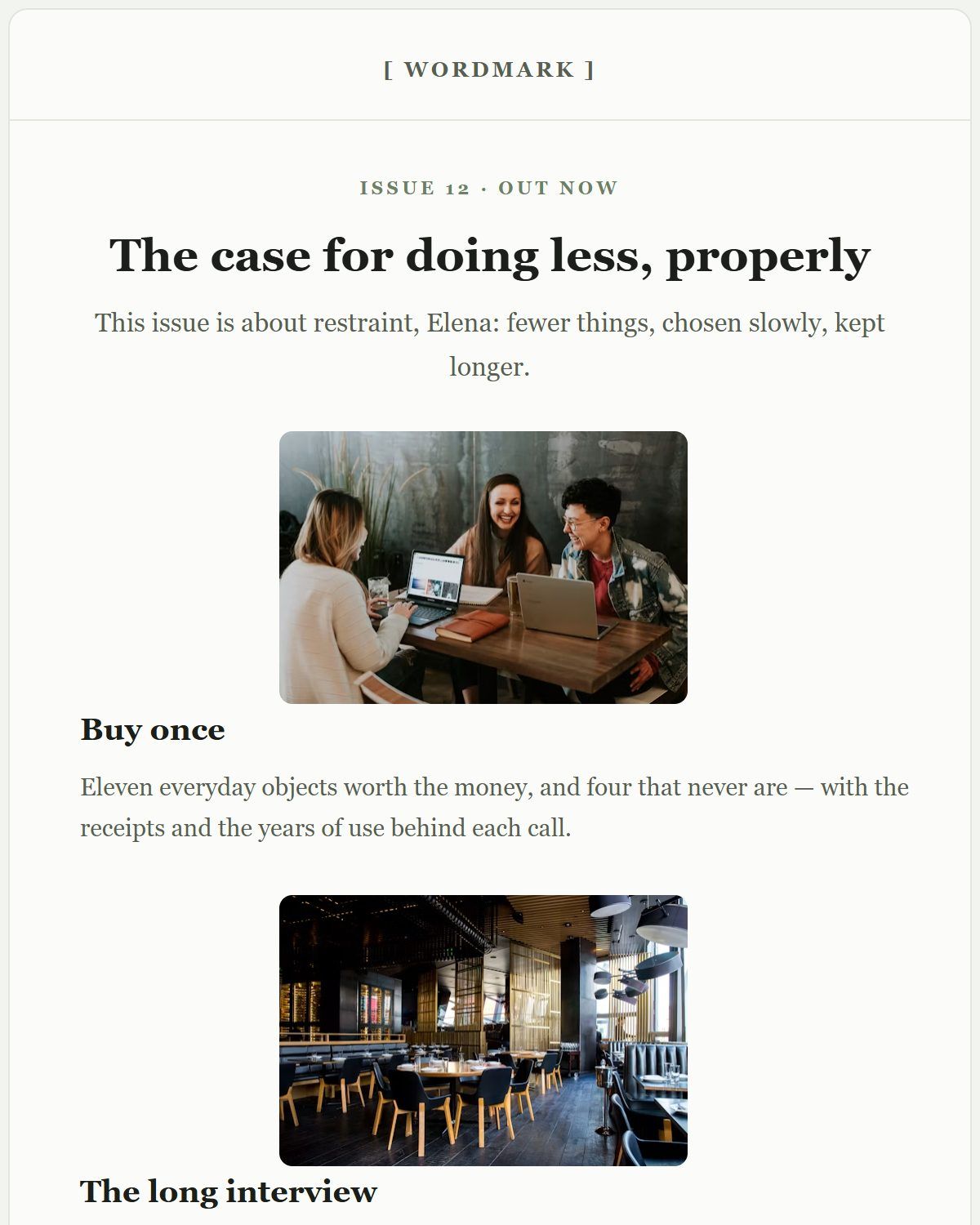
Newsletter-shaped templates
Recurring letters rather than one-off announcements — open one and swap in this week’s stories.
Questions people ask about this
Can I send the newsletter from Inky?
No. Inky builds the email and exports the HTML; sending, subscriber lists and analytics stay with your email platform.
How do I add an unsubscribe link?
Put the merge tag your sending platform gives you into a text block — the toolbar has an insert-merge-tag action for exactly this. It survives the export as-is and is replaced at send time by the platform.
Is the newsletter builder really free?
Yes, with no list-size tier, because there is no sending service attached. Every template and the HTML export are available without an account.